


Choosing the Right React UI Component Library in 2026
Quick answer: For most SaaS teams in 2026, the strongest React UI component libraries are Material UI and Ant Design for data-heavy enterprise apps, shadcn/ui on Base UI or Radix for an owned design system, Mantine or Chakra UI for small teams shipping fast, and React Aria when accessibility is business-critical. Check licences: PrimeReact 11 is no longer MIT.
Versions, npm downloads and GitHub stars in this guide were checked on 29 September 2026.
Choosing the right React UI component library is no longer just a frontend styling decision. The library you select directly affects development velocity, bundle size, accessibility compliance, long-term scalability, and the overall maintainability of your application.
For SaaS startups, enterprise dashboards, internal tools, and modern Next.js applications, the wrong UI architecture can create significant technical debt as products scale. Some React UI libraries prioritize rapid development and polished components out of the box, while others focus on customization, accessibility primitives, and long-term design system ownership.
In this guide, we compare the best React UI component libraries for 2026 based on:
performance and bundle efficiency
accessibility and WCAG compliance
React Server Components compatibility
Tailwind CSS integration
enterprise scalability
customization flexibility
developer experience
Whether you're building a data-heavy admin dashboard, a highly customized design system, or a fast-moving SaaS MVP, this comparison will help you choose the best React UI library for your specific use case.
Best React UI Libraries by Use Case
Different React UI libraries solve different frontend problems. Some are optimized for enterprise dashboards and CRUD-heavy workflows, while others prioritize accessibility, headless architecture, or Tailwind-first customization.
Here’s a quick recommendation breakdown based on real-world frontend use cases.
Use Case | Recommended React UI Library |
|---|---|
Enterprise Dashboards | MUI, Ant Design |
Custom Design Systems | Radix UI, shadcn/ui |
Tailwind CSS Projects | Headless UI, shadcn/ui |
Fast SaaS MVPs | Chakra UI, Mantine |
Accessibility-Focused Apps | React Aria, Radix UI |
Analytics Platforms | Tremor, MUI X Charts, Mantine Charts |
Mobile & Hybrid Apps | Grommet, Onsen UI (check React binding activity) |
CRUD-heavy Admin Panels | PrimeReact, Ant Design |
Headless vs Pre-Styled React UI Libraries
One of the biggest frontend architecture decisions in 2026 is choosing between headless React UI libraries and pre-styled component systems.
Pre-Styled UI Libraries
Libraries like MUI, Ant Design, Chakra UI, and Mantine provide fully designed components out of the box. They accelerate development and ensure visual consistency with minimal setup.
These libraries work best for:
enterprise applications
internal dashboards
rapid MVP development
teams prioritizing speed and consistency
However, highly customized products can eventually run into styling limitations and abstraction overhead.
Headless UI Libraries
Libraries like Radix UI, React Aria, and Headless UI separate functionality from presentation. They provide accessibility, interaction logic, and composable primitives without imposing design constraints.
This approach gives teams:
full branding control
long-term design system scalability
cleaner customization workflows
lower styling limitations
Headless systems are increasingly preferred for modern SaaS platforms and design-system-driven frontend teams.
In practice, many organizations now combine:
Radix UI for primitives
Tailwind CSS for styling
shadcn/ui for reusable patterns
This architecture provides significantly more flexibility than traditional monolithic UI frameworks.
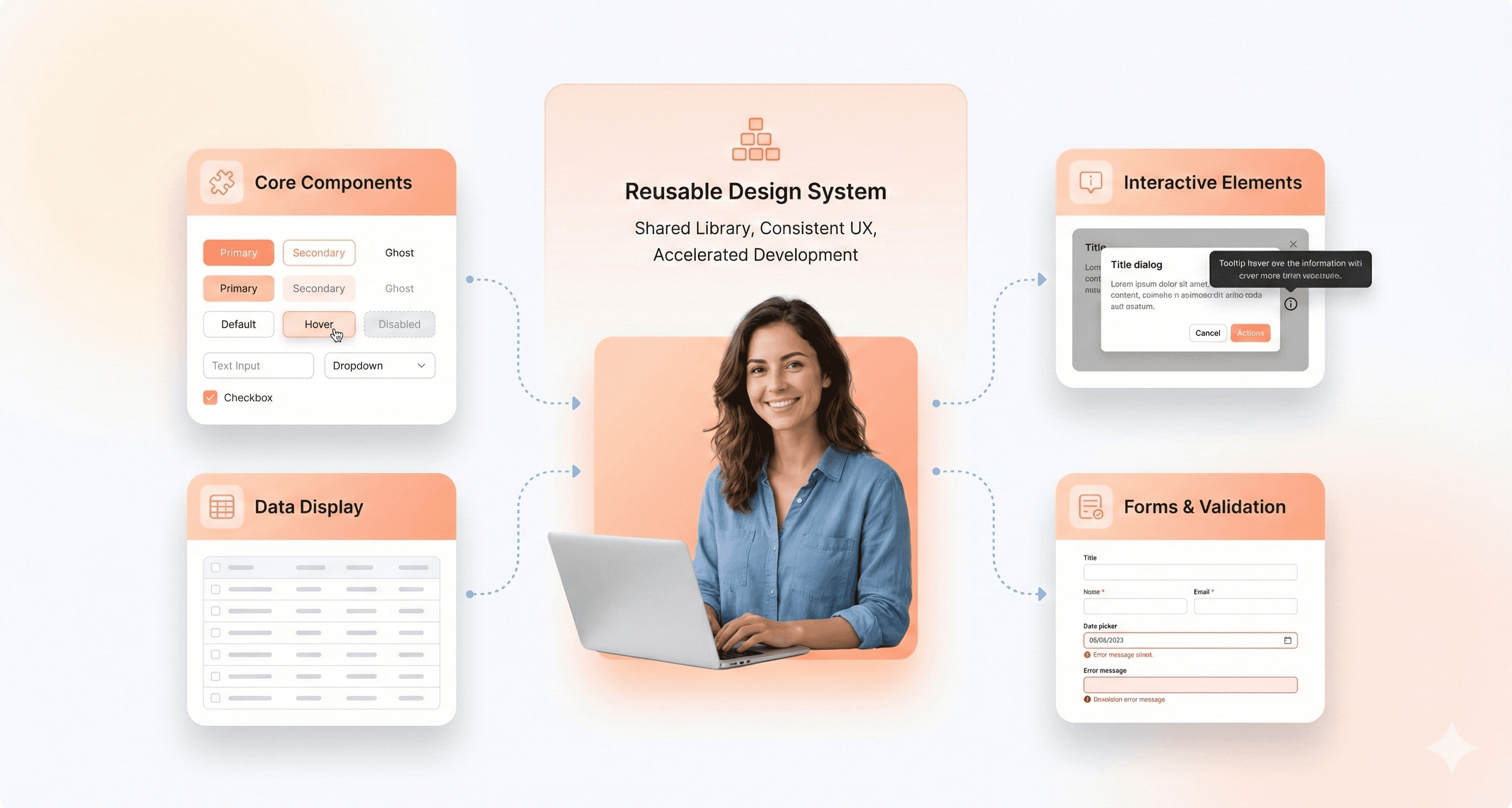
What Are React UI Component Libraries and Design Systems?
React UI component libraries are collections of pre-built, reusable user interface elements designed to work seamlessly within React applications. These libraries bundle together basic UI elements like buttons, input fields, modals, tables, tooltips, and more with uniform APIs, accessibility capabilities, and often the ability to change the look of the library.
The primary purpose of a React UI component library is to streamline and standardize the UI development process. Instead of building every design element from scratch, developers can leverage these ready-made components to ensure design consistency, reduce repetitive code, and accelerate the creation of polished, interactive interfaces. By abstracting away much of the low-level implementation details and best practices (like accessibility and responsive layouts), these libraries help teams focus on the unique business logic and user experiences that set their products apart.
Whether you’re working solo or across a large engineering team, React UI component libraries play a crucial role in modern frontend workflows, especially when the UI takes center stage. They help enforce design guidelines, improve code maintainability, and make it easier to roll out new features. This gives both individual developers and organizations the tools they need to build better apps faster, focusing on accessibility throughout the process.
How to Choose the Best React UI Library for Your Product
Choosing a React UI component library should depend on your product architecture, scalability requirements, and customization needs not just visual appearance.
Here’s the framework we recommend when evaluating React UI libraries.
Choose MUI or Ant Design if:
you are building enterprise dashboards or admin panels
you need mature ecosystems and production-ready components
your team prioritizes development speed over deep customization
you rely heavily on tables, forms, and CRUD workflows
Choose shadcn/ui or Radix UI if:
you want complete design system ownership
your product requires highly customized branding
your team uses Tailwind CSS extensively
accessibility and composability are top priorities
Choose Chakra UI or Mantine if:
you need to ship MVPs quickly
your frontend team is small
developer experience matters more than low-level control
you want simpler theming and responsive utilities
Choose React Aria if:
accessibility is business-critical
you need advanced keyboard navigation and interaction patterns
you are building highly inclusive applications at scale
Benefits of Using Modern React UI Component Libraries
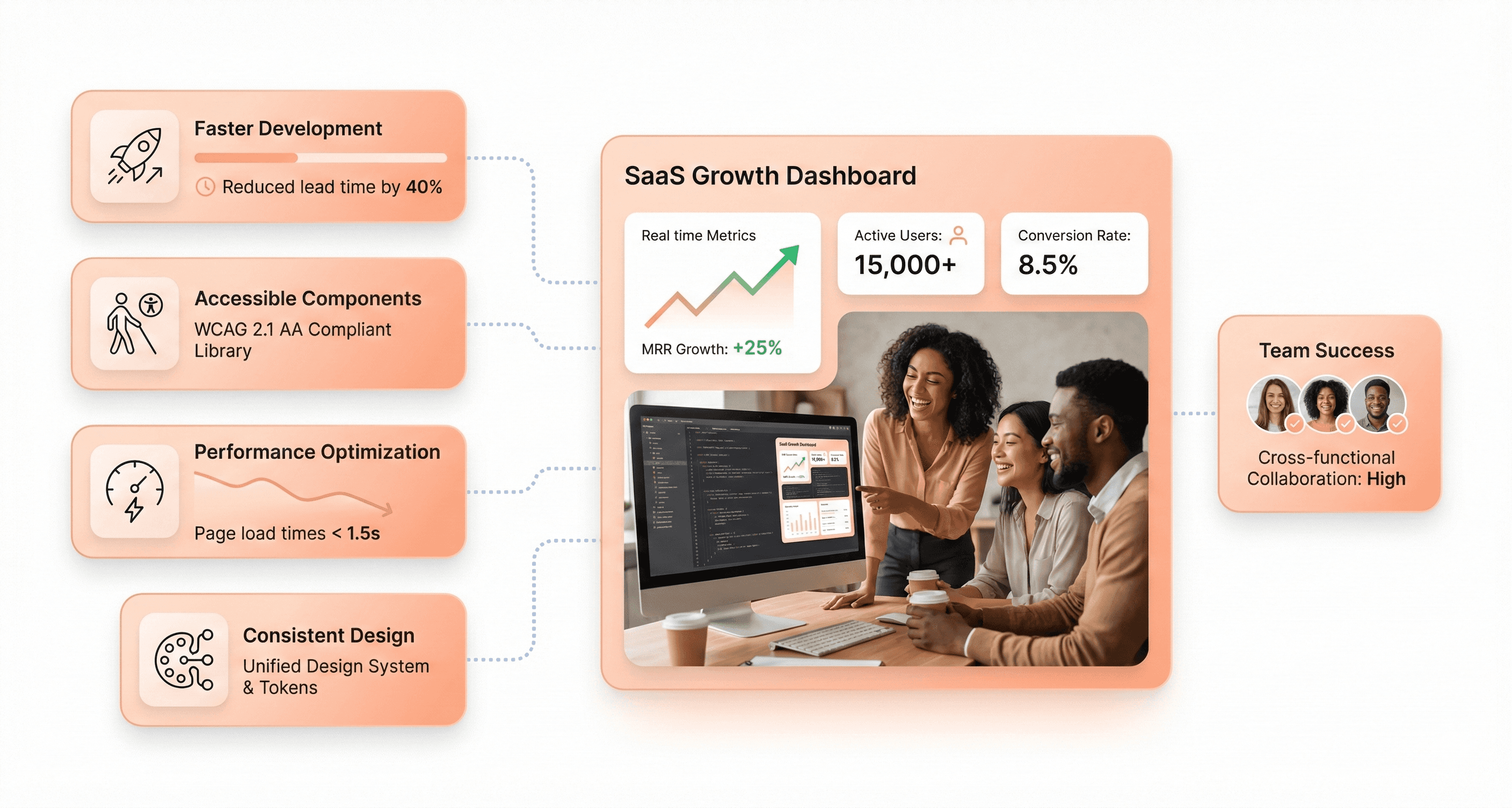
The latest generation of React UI component libraries delivers more than just pre-designed elements, they form the backbone of modern, accessible, and visually consistent user interfaces across web and mobile platforms. Unlike monolithic systems of the past, UI libraries for 2026 are streamlined, modular, and often focused on specific developer needs, such as community support, performance-first rendering, mobile optimization, and deep customization options.
Key advantages of adopting a modern UI component library:
Accelerated web development using pre-built UI and reusable components
Reliable built-in accessibility features and strict adherence to WAI-ARIA guidelines
Rapid community support for troubleshooting and fast iteration
Advanced utility-first libraries for unique branding, Next.js integration, or headless workflows
Optimized performance with SSR, tree-shaking, lazy loading, and hybrid mobile support
Lighter animation: Chakra UI v3 (October 2024) and HeroUI v3 (March 2026) both moved component animations to native CSS instead of a JavaScript motion library
Whether your priority is creating frictionless landing pages, scalable admin tools, or responsive mobile UIs, the right library empowers your team to quickly build, implement, and maintain consistent, accessible React components, thereby keeping both branding and user experience future-ready.
Our Evaluation Criteria for React UI Libraries in 2026
With hundreds of React UI libraries available and new ones launching every year, it's crucial to narrow the selection to those that truly move the needle for modern frontend development in 2026 and beyond. Our criteria were informed by long-term relevance, future readiness, and practical day-to-day utility for professional teams.
Here are the factors we prioritized:
Active Maintenance & Community Support: We only included libraries that show ongoing maintenance, frequent updates, and robust activity in their GitHub repositories. A thriving community signals better long-term stability and access to expert help.
Modern Tech Stack: Compatibility with React 19 (the current stable release as of 2026), strong TypeScript support, and alignment with SSR and RSC are must-haves. Libraries still on React 17 compatibility layers only should be treated as legacy choices.
Accessibility by Design: Accessibility isn't optional. It's critical for compliance and universal usability. Our selections prioritize libraries with built-in ARIA support and WCAG compliance, or those that make it easy to implement accessible components.
Theming & Customization Capabilities: UI libraries must be easily adaptable to your brand via theming, dark mode, and minimal styling friction. Deep, intuitive customization is increasingly important for organizations building unique design systems.
Performance & Scalability: We looked for libraries architected around concepts like tree-shaking, bundle splitting, and minimal runtime overhead. This is especially vital as SSR and React Server Components shift more responsibility server-side.
Alignment with Design System Best Practices: The best libraries make it seamless to synchronize design and code, offering Figma kits, clear documentation, and flexible component APIs to fit into modern workflows.
Component Breadth and Quality: Finally, we considered comprehensiveness and reliability across real-world scenarios, from primitive inputs to sophisticated data tables, charts, and native-feeling complex widgets.
Only those React component libraries delivering across these key dimensions made the final cut.
React UI Component Library Comparison Table (September 2026)
The most downloaded React UI libraries in late September 2026 were Radix UI, Material UI, React Aria, Headless UI and Ant Design, while shadcn/ui had the most GitHub stars (124.8k). Downloads and stars measure adoption, not quality, so read them alongside licence, release date and accessibility approach before choosing a library for a SaaS product.
Library | Current version (release date) | Licence | npm weekly downloads (21 to 27 Sep 2026) | GitHub stars (29 Sep 2026) | Accessibility approach | Best for |
|---|---|---|---|---|---|---|
Material UI (MUI) | 9.4.0 (27 Aug 2026) | MIT (MUI X Pro/Premium: commercial) | 11.5M (@mui/material) | 99.1k | Built-in ARIA and keyboard support; v9 focused on accessibility fixes | Enterprise SaaS, admin panels, data-heavy apps |
Ant Design | 6.6.5 (20 Sep 2026) | MIT | 4.1M (antd) | 99.6k | Built-in ARIA on core components | CRMs, fintech, back-office dashboards |
React-Bootstrap | 2.10.10 (11 May 2025); v3 in beta | MIT | 1.6M (react-bootstrap) | 22.6k | Bootstrap markup plus ARIA attributes | Bootstrap-based and legacy projects |
shadcn/ui | CLI 4.21.0 (4 Sep 2026) | MIT | 11.4M CLI runs (shadcn); components are copied, not installed | 124.8k | Inherits from its base: Base UI (default), Radix or React Aria | Owned, custom design systems on Tailwind |
Radix UI | 1.6.7 (24 Jul 2026) | MIT | 16.4M (radix-ui); 84.6M (@radix-ui/react-dialog) | 19.3k | Follows WAI-ARIA Authoring Practices; tested with assistive technologies | Headless primitives for custom design systems |
React Aria | react-aria-components 1.21.1 (4 Sep 2026) | Apache-2.0 | 5.3M (react-aria-components); 10.6M (react-aria) | 15.9k (adobe/react-spectrum) | Follows WAI-ARIA Authoring Practices; tested across screen readers and devices | Accessibility-critical products |
Headless UI | 2.2.10 (7 Apr 2026) | MIT | 7.9M (@headlessui/react) | 28.8k | Built-in ARIA and focus management | Tailwind projects needing a few accessible widgets |
Chakra UI | 3.37.0 (28 Aug 2026) | MIT | 1.8M (@chakra-ui/react) | 40.7k | Ark UI state machines with ARIA | Fast MVPs with token-based theming |
Mantine | 9.6.3 (26 Sep 2026) | MIT | 2.8M (@mantine/core) | 31.8k | Built-in ARIA and keyboard support | Feature-rich dashboards for small teams |
HeroUI (formerly NextUI) | 3.2.6 (17 Sep 2026) | MIT | 700k (@heroui/react) | 30.8k | Built on React Aria Components | Polished Tailwind v4 apps and marketing sites |
React Suite | 6.2.4 (21 Aug 2026) | MIT | 188k (rsuite) | 8.7k | Vendor-built; check per component | Back-office and B2B apps |
Tremor | @tremor/react 3.18.7 (13 Jan 2025); copy-paste version at tremor.so | Apache-2.0 | 457k (@tremor/react) | 16.5k (tremor-npm); 3.6k (tremor) | Copy-paste version built on Radix UI | KPI cards and charts in dashboards |
Blueprint | 6.20.0 (17 Sep 2026) | Apache-2.0 | 399k (@blueprintjs/core) | 22.1k | Vendor-built; check per component | Data-dense, desktop-style internal tools |
PrimeReact | 11.2.0 (28 Sep 2026) | v11: PrimeUI licence (free Community tier or paid); v10: MIT | 380k (primereact) | 8.3k | Vendor-built; check per component | ERP and data-heavy apps (check licence first) |
Semantic UI React | 2.1.5 (10 Dec 2023) | MIT | 413k (semantic-ui-react) | 13.2k | Vendor-built; check per component | Existing Semantic UI codebases only |
Grommet | 2.57.0 (14 Sep 2026) | Apache-2.0 | 53k (grommet) | 8.3k | Accessibility is a stated design goal | Public sites and responsive apps |
React-Admin | 5.15.4 (25 Sep 2026) | MIT | 194k (react-admin) | 26.9k | Inherits from Material UI | CRUD admin panels on REST or GraphQL APIs |
Onsen UI | onsenui 2.12.9 (16 Jun 2026); react-onsenui 1.13.3 (20 Jun 2023) | Apache-2.0 | 2.3k (react-onsenui) | 8.9k | Vendor-built; check per component | Hybrid mobile apps (check React binding activity) |
CoreUI | 5.13.0 (20 Jul 2026) | MIT (@coreui/react) | 120k (@coreui/react) | 716 | Vendor-built; check per component | Admin dashboard templates |
Sources: versions and release dates from the npm registry (npm view <package> version time); weekly downloads from api.npmjs.org for 21 to 27 September 2026; GitHub stars from the GitHub API on 29 September 2026. Radix and React Aria are also installed indirectly by other libraries, which inflates their download counts. shadcn/ui components are copied into your code, so its figure counts CLI runs rather than installs.
In-Depth Reviews of the Best React UI Libraries
1. Material UI (MUI): Best for Enterprise React Applications
Material-UI (MUI) is one of the most popular React UI libraries, trusted by thousands of development teams for building scalable enterprise applications. It stands out for its comprehensive suite of pre-built components, robust theming and customization options, and first-class accessibility support, making it a go-to choice for data-driven products and design systems.
GitHub stars: 99.1k (29 Sep 2026)
npm weekly downloads (21 to 27 Sep 2026): 11.5M (@mui/material)
Latest version: 9.4.0, released 27 Aug 2026 (MIT)
Key Features:
Robust implementation of Google’s Material Design principles, prioritizing accessibility.
Advanced theming, light and dark mode and CSS variables (Pigment CSS, MUI's zero-runtime option, is still pre-1.0 at 0.0.31)
Huge catalog of production-ready components, including data grids and charts
Built-in accessibility, localization, and TypeScript support
v9.0 (8 April 2026): accessibility fixes including roving-tabindex keyboard navigation for Stepper, Tabs and MenuList, faster
sxprop styling, removal of deprecated APIs, and new NumberField and Menubar components
Note: Material UI skipped v8 so that its version number now matches MUI X. MUI X v9 lists Scheduler and Chat as preview components. The Data Grid, Date Pickers, Charts and Tree View have free MIT versions; Pro and Premium features (for example row grouping and Excel export) need a commercial licence.
Advantages:
Mature, actively maintained, and trusted for enterprise work
Large ecosystem, great documentation, and internationalization
Consistent, modern design out-of-the-box; adaptable for branding
Predictable upgrades: Material UI and MUI X share the same major version from v9 onwards
2. Ant Design (AntD) - Enterprise User Interface Powerhouse
Ant Design v6, released November 2025, is a comprehensive React UI library designed for building data-heavy and enterprise-level applications. V6 introduces zero-runtime style generation (opt-in via `zeroRuntime: true` in ConfigProvider), full React 19 compatibility with the React Compiler enabled in bundled outputs, complete removal of IE support in favour of pure CSS Variables mode, and, since March 2026, an official CLI (@ant-design/cli) for offline component look-ups and project usage analysis. The current release is 6.6.5 (20 September 2026). RTL support is now handled via CSS logical properties across all components.
GitHub stars: 99.6k (29 Sep 2026)
npm weekly downloads (21 to 27 Sep 2026): 4.1M (antd)
Latest version: 6.6.5, released 20 Sep 2026 (MIT)
Key Features:
Vast library of enterprise-grade UI components
Advanced data visualization, charts, date pickers, and input controls
Strong internationalisation and localisation support
Robust theming engine and CSS variables
Comprehensive accessibility by default
Advantages:
Ideal for building financial apps, admin portals, and SaaS back-offices
Quick development of complex, data-heavy dashboards
Active community and regular updates
v6 enables React Compiler in its bundled builds, adds an opt-in zero-runtime CSS mode and uses CSS variables by default
3. React-Bootstrap: Best for Bootstrap-Based Projects
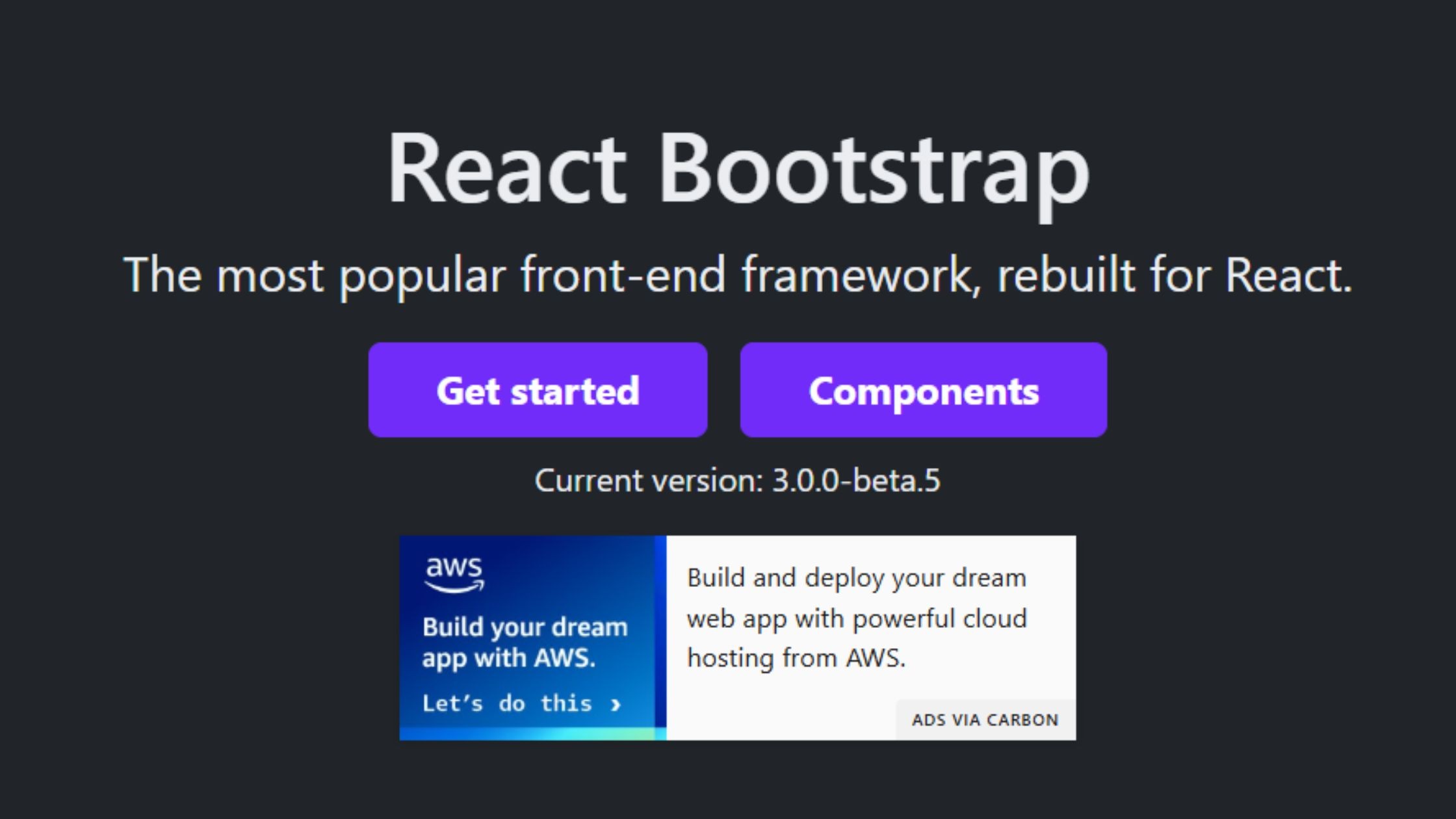
React-Bootstrap brings all of Bootstrap’s popular grid system and components natively into the React ecosystem. It’s a trusted choice for developers seeking to modernize legacy Bootstrap projects, rapidly build landing pages, or deliver admin panels with minimal friction, while maintaining full compatibility with React’s component-driven paradigm.
GitHub stars: 22.6k (29 Sep 2026)
npm weekly downloads (21 to 27 Sep 2026): 1.6M (react-bootstrap)
Latest version: 2.10.10, released 11 May 2025 (MIT); v3.0.0 has been in beta since May 2025
Key Features:
Seamless Bootstrap v5 grid and utility integration
Familiar syntax for teams from Bootstrap backgrounds
SSR-friendly and accessibility-focused
Modular imports for optimized bundles
Advantages:
Rapid migration of legacy UIs into React
Stable, predictable and beginner-friendly
Great documentation, wide adoption, and simple customization
4. shadcn/ui: Best for Custom Design Systems
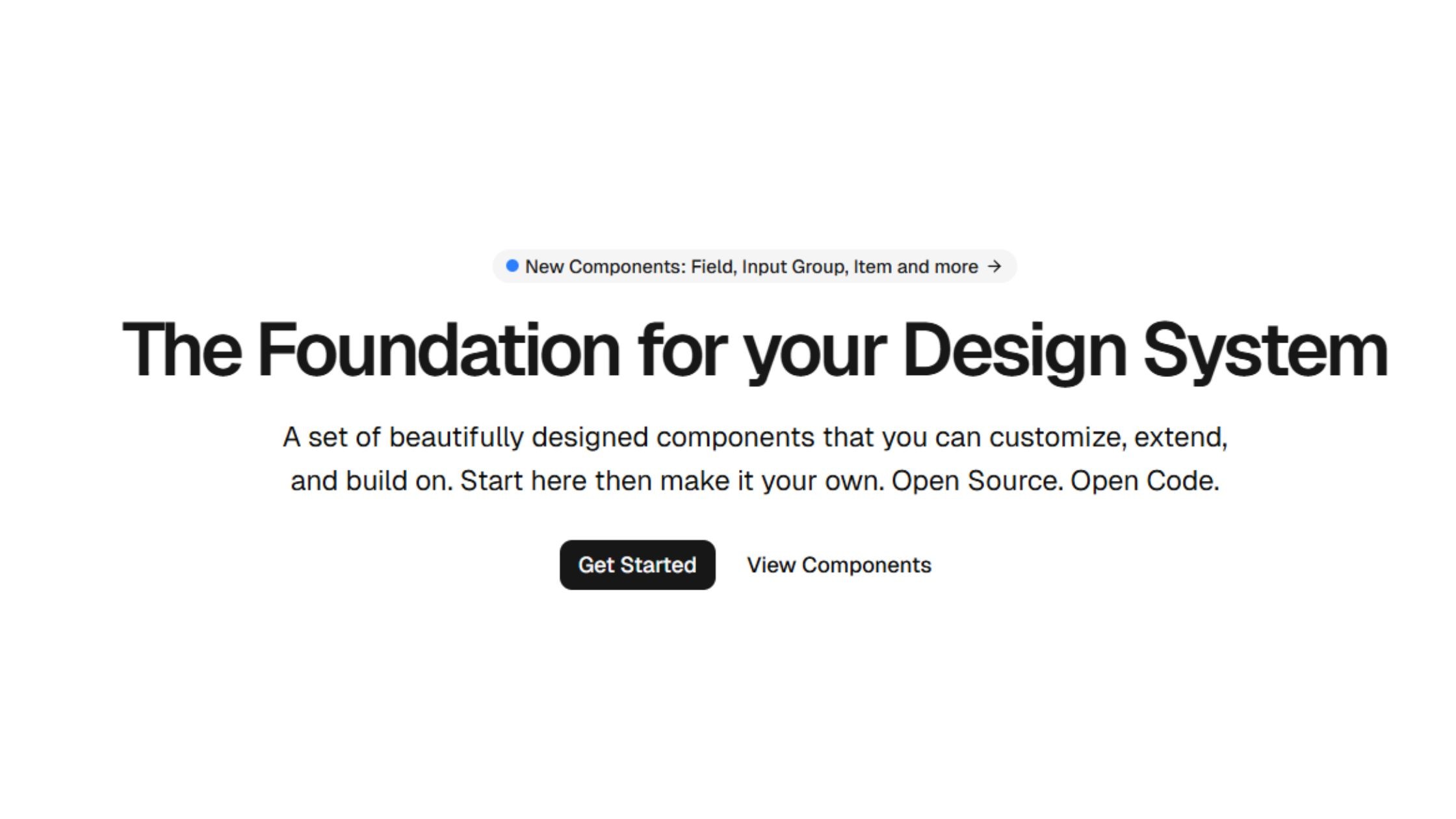
shadcn/ui is a set of accessible, Tailwind-styled components that the shadcn CLI copies into your own codebase, so your team owns and edits the code instead of depending on a package. It is styled with Tailwind CSS v4. Since July 2026, new projects use Base UI as the default primitive layer; Radix is still fully supported and React Aria is available as a third option. It is built by shadcn at Vercel.
GitHub stars: 124.8k (29 Sep 2026)
npm weekly downloads (21 to 27 Sep 2026): not directly comparable, because components are copied into your code; the shadcn CLI recorded 11.4M downloads
Latest version: CLI 4.21.0, released 4 Sep 2026 (MIT)
Key Features:
Copy-paste Tailwind CSS-based React components for total code ownership
Accessibility-first: built on Base UI, Radix UI or React Aria primitives
shadcn CLI v4 (6 March 2026) added shadcn/skills for coding agents, a --preset flag for sharing a whole design-system configuration, and monorepo support. Private GitHub registries followed in August 2026
Designed for rapid prototyping and full customization
Advantages:
Developer freedom: your code, your rules
Lightweight: only add what you use
Built for AI-agent workflows: shadcn/skills gives coding agents the context to add and edit components in your project
Fast-growing, active community, and excellent documentation
5. Radix UI - Unstyled Primitives, Composable Workflows
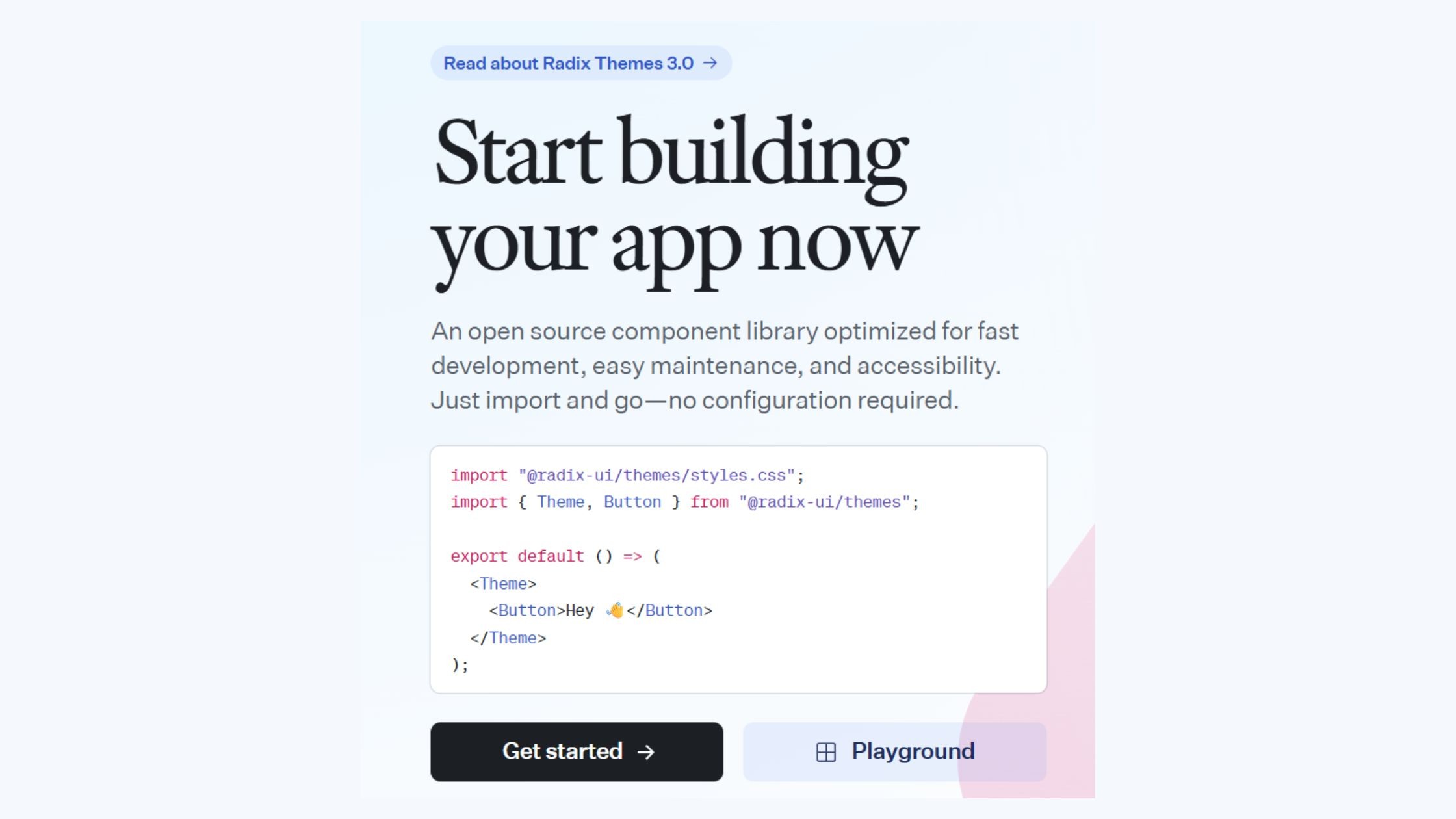
Radix UI is a developer-focused library that delivers a collection of unstyled, accessible React primitives. It empowers teams to build fully custom, branded user interfaces by giving them granular control over appearance and behavior, while handling complex accessibility and interaction logic under the hood.
GitHub stars: 19.3k (radix-ui/primitives) (29 Sep 2026)
npm weekly downloads (21 to 27 Sep 2026): 16.4M for the unified radix-ui package; individual primitives such as @radix-ui/react-dialog record 84.6M
Latest version: radix-ui 1.6.7, released 24 Jul 2026 (MIT)
Key Features:
About 30 unstyled, accessible primitives, available per component or as one radix-ui package
Manages complex UI logic like focus and keyboard navigation
Ideal for SSR and headless UI implementations
Advantages:
Provides ultimate flexibility for building custom-branded UI libraries
Delivers strong accessibility out of the box
Used underneath many other libraries, including Tremor and shadcn/ui projects that choose the Radix base
6. React Aria - Hooks-Based, Highly Accessible
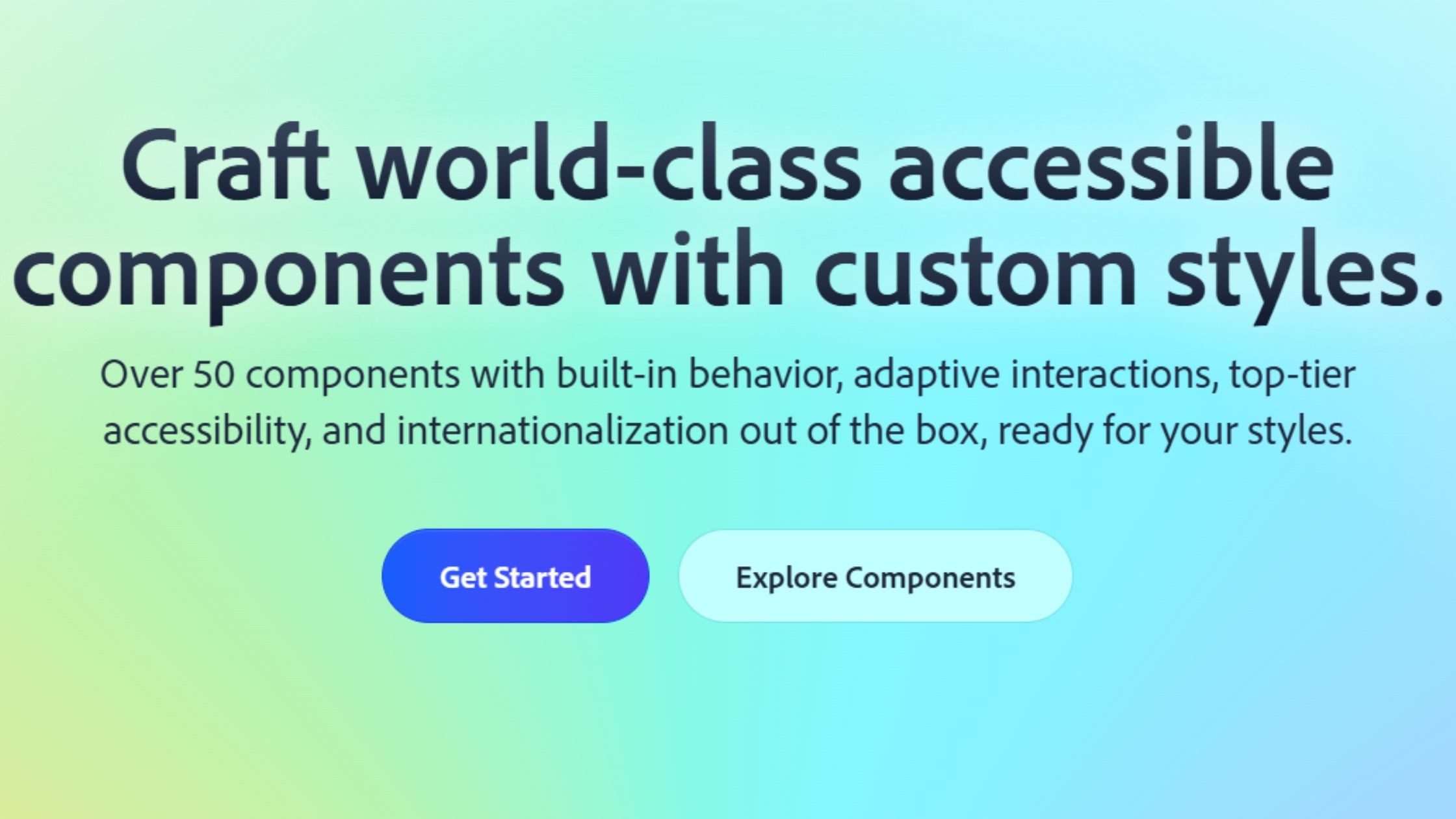
React Aria is a hooks-driven library developed and supported by Adobe, designed to bring accessible, robust interaction logic to your React components. Abstracting away complex accessibility patterns and event handling into easy-to-use hooks, it empowers developers to build highly inclusive interfaces while maintaining full control over styling and structure.
GitHub stars: 15.9k (adobe/react-spectrum monorepo) (29 Sep 2026)
npm weekly downloads (21 to 27 Sep 2026): 5.3M (react-aria-components) and 10.6M (react-aria hooks)
Latest version: react-aria-components 1.21.1, released 4 Sep 2026 (Apache-2.0)
Key Features:
Accessibility and interaction logic as composable React hooks
Internationalization and advanced gesture support
Use ready-made unstyled components (react-aria-components) or low-level hooks (react-aria)
Advantages:
Adobe documents screen reader support and tests components across devices, browsers and screen readers
Facilitates building bespoke, accessible design systems
Backed by Adobe, which builds its own React Spectrum design system on it
7. Headless UI - Tailwind-Native, Pre-Built Logic
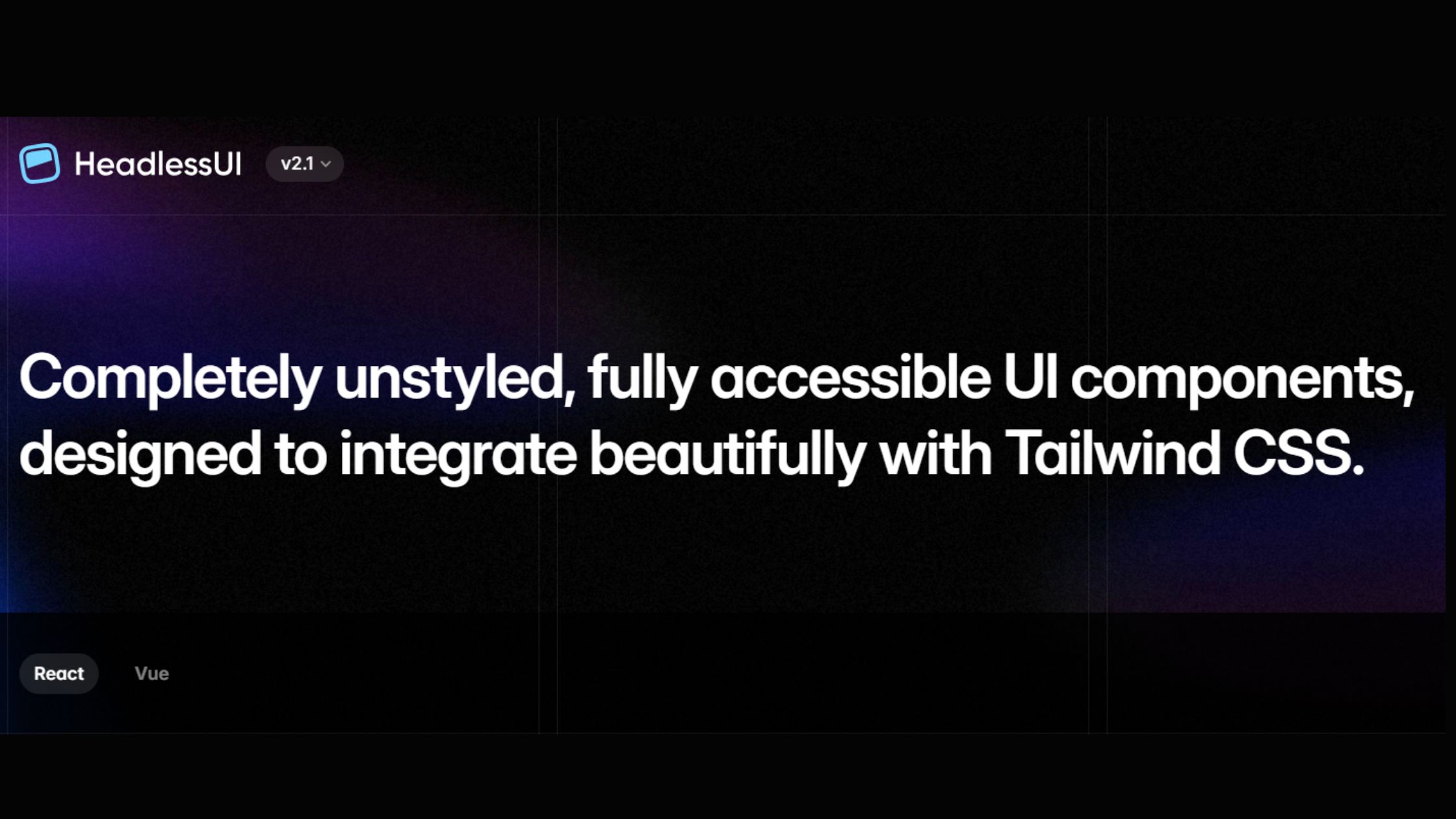
Headless UI is a Tailwind-native library that provides unstyled, fully accessible components, giving developers the power to build custom, branded UIs without sacrificing accessibility or performance. It pairs seamlessly with Tailwind CSS and frameworks like Next.js, delivering robust state and accessibility logic while letting you handle all aspects of presentation.
GitHub stars: 28.8k (29 Sep 2026)
npm weekly downloads (21 to 27 Sep 2026): 7.9M (@headlessui/react)
Latest version: 2.2.10, released 7 Apr 2026 (MIT)
Key Features:
Fully unstyled, accessible components (menus, lists, modals, etc.)
Tight integration with Tailwind CSS and Next.js
SSR and dark mode support
Ships only state and accessibility logic for maximum creative control
Advantages:
Empowers design system teams to implement custom designs effortlessly
Seamlessly fits modern Tailwind and Next.js workflows
Lightweight, ensuring fast, responsive user experiences
8. Chakra UI: Best for Fast SaaS Prototyping
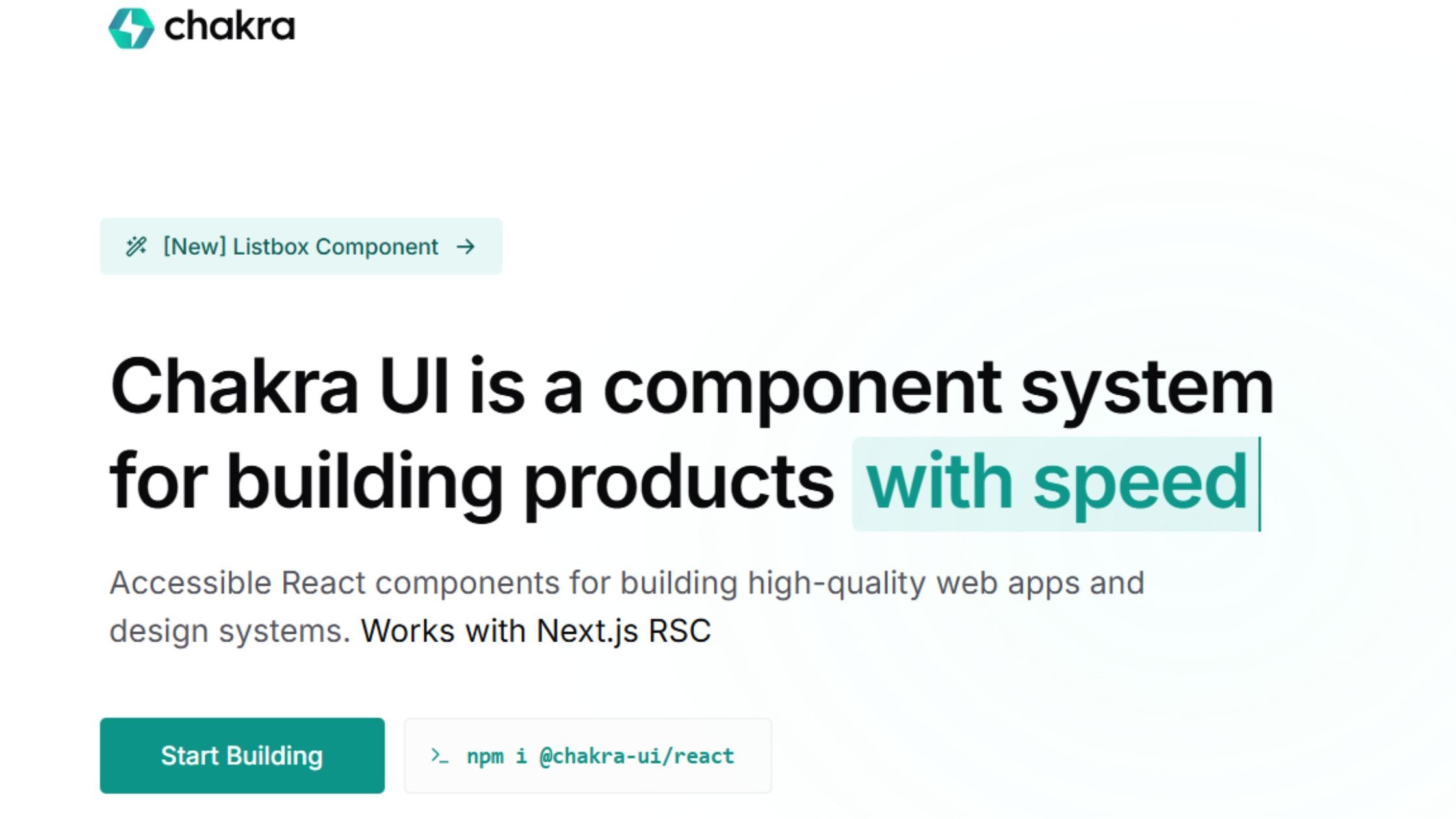
Chakra UI v3 (released October 2024) is a complete ground-up rewrite of the library. It adds a token-based recipe system alongside style props, builds interactive components on Ark UI state machines, and replaces Framer Motion with native CSS animations. It still uses Emotion, so in the Next.js App Router Chakra components run as client components. The current release is 3.37.0 (28 August 2026).
GitHub stars: 40.7k (29 Sep 2026)
npm weekly downloads (21 to 27 Sep 2026): 1.8M (@chakra-ui/react)
Latest version: 3.37.0, released 28 Aug 2026 (MIT)
Key Features:
Token-based recipes and semantic tokens that switch automatically between light and dark mode
Built-in themes, color modes, and dark mode
Accessibility-first and responsive by default
TypeScript and RTL (right-to-left language) support
Advantages:
Accelerates MVP and design system creation
Pleasant DX, easy theming, and extensive documentation
Built on Ark UI, so behaviour is shared and tested across the wider Chakra ecosystem
9. Mantine: Best for Feature-Rich Dashboards
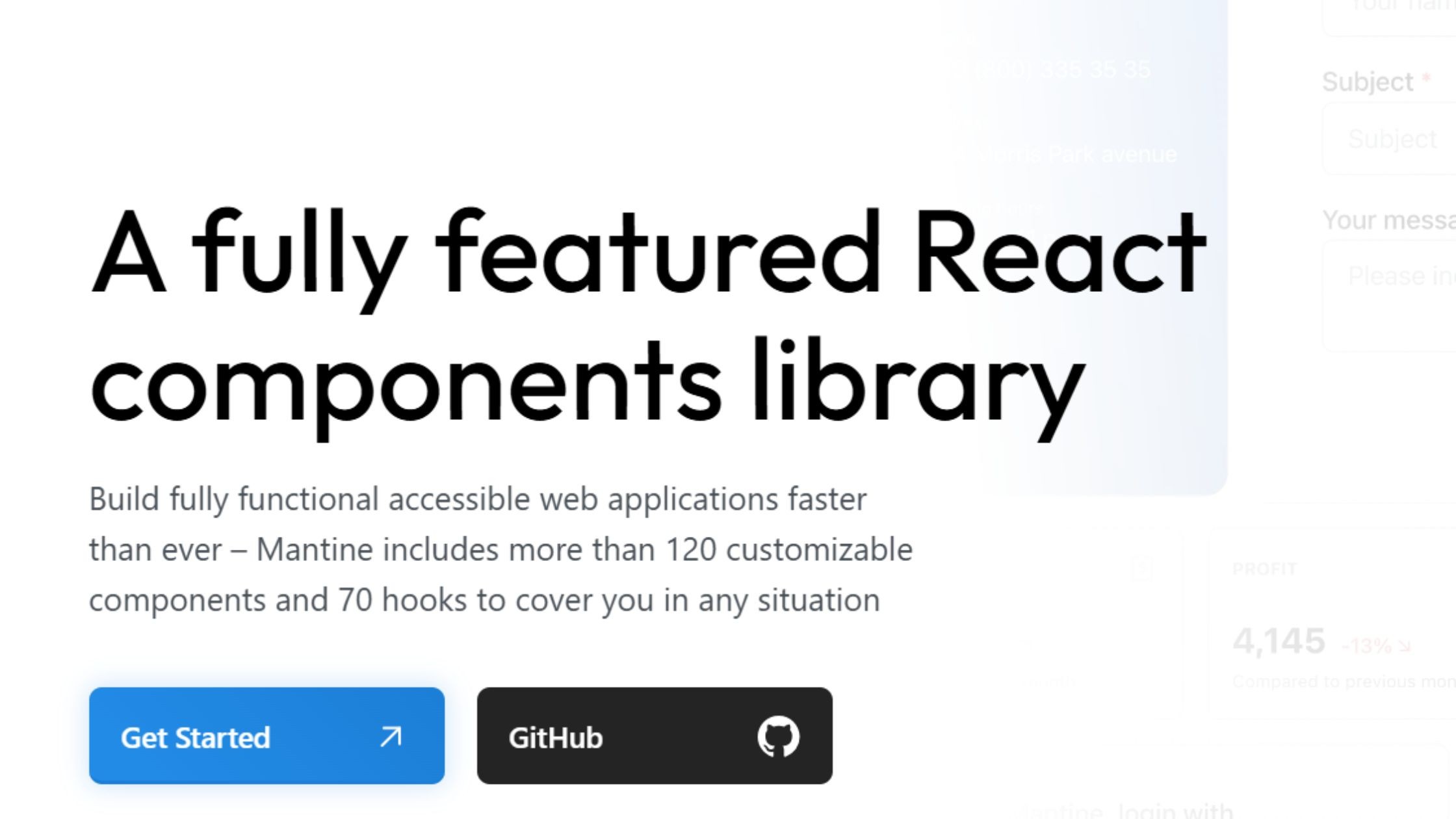
Mantine is a broad React UI library with more than 120 components and 70 hooks. Mantine 9.0 (31 March 2026) requires React 19.2+, moves @mantine/charts to Recharts 3 and adds a new @mantine/schedule package for calendar views with drag-and-drop. The current release is 9.6.3 (26 September 2026).
GitHub stars: 31.8k (29 Sep 2026)
npm weekly downloads (21 to 27 Sep 2026): 2.8M (@mantine/core)
Latest version: 9.6.3, released 26 Sep 2026 (MIT)
Key Features:
120+ components and 70 hooks, plus @mantine/form, @mantine/dates and @mantine/charts
Styling with CSS modules and CSS variables through a typed theme object (no CSS-in-JS runtime dependency)
Built-in notifications, date pickers, form handling, and modal features
New in v9: @mantine/schedule for day, week and month scheduling views
Advantages:
Ideal for dashboards, analytics, and mobile-first UIs
Fast learning curve; excellent for collaborative teams
Tracks current React closely: v9 requires React 19.2 or later
10. HeroUI (formerly NextUI): Tailwind CSS v4 on React Aria
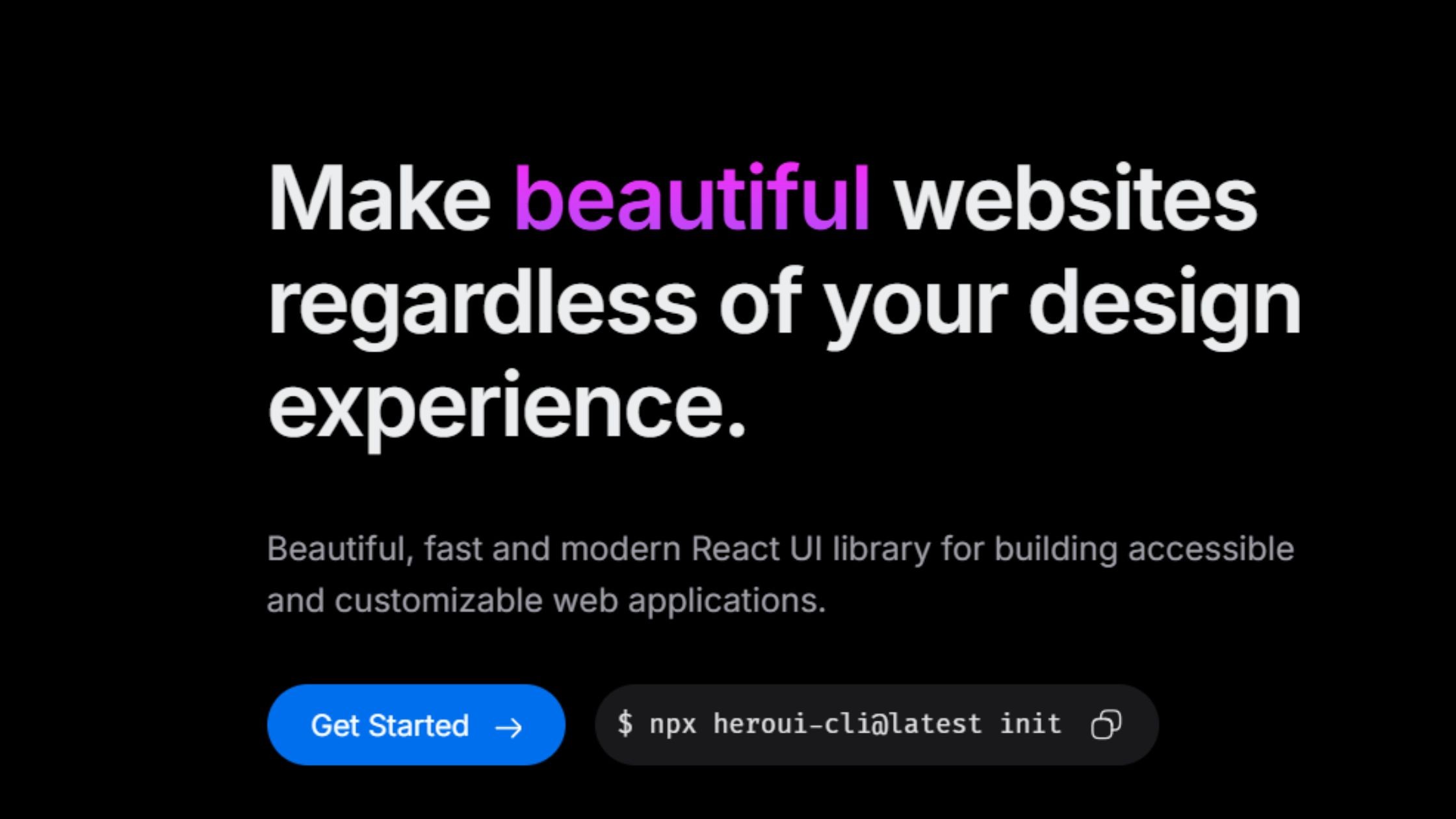
HeroUI (formerly NextUI) combines Tailwind CSS v4 styling with React Aria Components for accessibility. HeroUI v3 (March 2026) is a full rewrite with 75+ web components, CSS-only animations and React 19 as a minimum. The old @nextui-org/react package is deprecated on npm, so migrate to @heroui/react.
GitHub stars: 30.8k (29 Sep 2026)
npm weekly downloads (21 to 27 Sep 2026): 700k (@heroui/react)
Latest version: 3.2.6, released 17 Sep 2026 (MIT)
Key Features:
Built on Tailwind CSS and React Aria
Modern component design with customizable theming
CSS animations with no JavaScript animation runtime (v3)
SSR support and accessibility by default
Advantages:
Great for visually impactful sites and landing pages
Works with Next.js, Vite and other React 19 set-ups
Consistent, modern aesthetics with flexibility out of the box
11. React Suite – Robust for Back Office and B2B
React Suite is a comprehensive React UI library purpose-built for enterprise back-office, middle-platform, and B2B applications. It stands out with its strong focus on multi-theme, multi-language, and internationalization support, making it a reliable solution for complex admin panels and business apps that require global scalability.
GitHub stars: 8.7k (29 Sep 2026)
npm weekly downloads (21 to 27 Sep 2026): 188k (rsuite)
Latest version: 6.2.4, released 21 Aug 2026 (MIT)
Key Features:
Designed for enterprise back/mid-office systems
Multi-theme, multi-language support
Internationalization and dark/light toggle
Rich data tables, forms, and chart widgets
Advantages:
Reliable for admin panels, CRMs, and SaaS projects
Customizable design and workflow
Maintained with enterprise productivity in mind
12. Tremor – Dashboard & Analytics Specialist
Tremor provides components for dashboards and analytics: KPI cards, charts, filters and tables. It now exists in two forms. The original @tremor/react npm package was last released on 13 January 2025 (3.18.7). The newer copy-and-paste version at tremor.so offers 35+ components built on Tailwind CSS and Radix UI, with charts built on Recharts. Tremor was acquired by Vercel.
GitHub stars: 16.5k (tremor-npm) and 3.6k (tremor, the copy-paste version) (29 Sep 2026)
npm weekly downloads (21 to 27 Sep 2026): 457k (@tremor/react)
Latest version: @tremor/react 3.18.7, released 13 Jan 2025 (Apache-2.0)
Key Features:
Prebuilt metrics, charts, filters, and analytics components
Built on Tailwind CSS for easy theming
Focused exclusively on dashboard UI needs
Advantages:
Build business intelligence dashboards fast
Professional data visualizations with minimal setup
No bloat: bring your own layout and add only the components you need
13. Blueprint UI - Data-Dense, Desktop-Like Experience
BlueprintJS is a robust React UI toolkit purpose-built for complex, data-intensive applications that demand a desktop-like user experience. It excels in creating feature-rich admin panels, internal tools, and enterprise dashboards where performance, scalability, and powerful table or form components are critical.
GitHub stars: 22.1k (29 Sep 2026)
npm weekly downloads (21 to 27 Sep 2026): 399k (@blueprintjs/core)
Latest version: 6.20.0, released 17 Sep 2026 (Apache-2.0)
Key Features:
High-performance table, form, and overlay components
Optimized for keyboard navigation and screen-reader support
Themeable with light/dark built-in
Advantages:
Outstanding for data-heavy internal tools
Handles large-scale datasets and “desktop app” interfaces smoothly
Constantly maintained by Palantir and the open source community
14. PrimeReact - All-in-One, Feature-Rich Set
PrimeReact is a design-agnostic React UI library with 90+ components, including an advanced DataTable, tree controls, charts and form inputs. Licence change: from v11 (released 15 July 2026) PrimeReact is distributed under the PrimeUI licence, not MIT. It is free under a Community licence only for organisations below set limits (for example under $1M annual revenue and fewer than 5 developers); others need a paid per-developer licence. Existing MIT versions (v10 and earlier) stay MIT and still receive security fixes.
GitHub stars: 8.3k (29 Sep 2026)
npm weekly downloads (21 to 27 Sep 2026): 380k (primereact)
Latest version: 11.2.0, released 28 Sep 2026 (PrimeUI licence); 10.9.9 is the last MIT line
Key Features:
90+ prebuilt UI components, advanced tables, tree controls and charting (v11 is the current major version; v10.9.9 is the last MIT release line)
Design-agnostic and easily themeable
Data export, import, and validation tools
Accessibility and internationalization are built in
Advantages:
Ideal for ERP, fintech, admin, and analytics platforms
Budget for it: check PrimeUI licence eligibility before adopting v11 in a commercial SaaS product
Flexible use: plug-and-play or select components as needed
15. Semantic UI React - Human-Friendly, Declarative
Semantic UI React is known for its intuitive, human-friendly API that uses familiar class-based naming, making it easy for developers to create accessible and cohesive interfaces quickly. Check maintenance before adopting it for new work: the last stable npm release, 2.1.5, dates from December 2023 and v3 has been in beta since 2023.
GitHub stars: 13.2k (29 Sep 2026)
npm weekly downloads (21 to 27 Sep 2026): 413k (semantic-ui-react)
Latest version: 2.1.5, released 10 Dec 2023 (MIT)
Key Features:
Human-friendly, class-based API (CSS-based)
100+ UI elements, including messaging, menus, and inputs
Auto-managed component state
Advantages:
Readable, declarative component API
Easy adoption for newcomers and quick prototyping
Responsive, accessible out-of-the-box
16. Grommet – Mobile-First, Inclusive by Design
Grommet is designed with a mobile-first philosophy, making it a fantastic fit for responsive, accessible applications that need to perform on a wide range of devices. It offers a unique design system with a strong emphasis on accessibility, flexible theming, and ease of customization, making it especially well-suited for educational tools, public sites, and projects that prioritize inclusivity.
GitHub stars: 8.3k (29 Sep 2026)
npm weekly downloads (21 to 27 Sep 2026): 53k (grommet)
Latest version: 2.57.0, released 14 Sep 2026 (Apache-2.0)
Key Features:
Responsive, mobile-first components
Theming for light, dark, and custom color schemes
Strong accessibility and screen reader support
Advantages:
Excels on touch devices and public-facing apps
Designed for inclusivity, perfect for education and social platforms
Easy to customize with built-in icon support
17. React-Admin – B2B Admin Framework
React-Admin is a specialized framework designed for efficiently building scalable back-office and business-to-business (B2B) admin panels. Leveraging Material UI at its core, React-Admin streamlines the creation of robust CRUD interfaces, supports integration with REST and GraphQL APIs, and delivers built-in accessibility and customizable workflows for complex enterprise needs.
GitHub stars: 26.9k (29 Sep 2026)
npm weekly downloads (21 to 27 Sep 2026): 194k (react-admin)
Latest version: 5.15.4, released 25 Sep 2026 (MIT)
Key Features:
Built atop Material UI
Authentication, authorization, and CRUD workflow support
REST/GraphQL backend integration, rich form validation
Built-in accessibility and responsive design
Advantages:
Enables rapid build of scalable admin panels
Used by major organizations and enterprises
18. Onsen UI – Native Mobile & Hybrid Specialist
Onsen UI is designed for cross-platform development, allowing teams to create hybrid mobile and web applications with a native look and feel. With robust mobile-focused components and gesture support, it streamlines the process of building responsive, app-like interfaces for both iOS and Android from a single codebase. Note that the React bindings (react-onsenui) were last released in June 2023, although the core onsenui package was updated in June 2026.
GitHub stars: 8.9k (29 Sep 2026)
npm weekly downloads (21 to 27 Sep 2026): 2.3k (react-onsenui) and 6.9k (onsenui)
Latest version: onsenui 2.12.9 (16 Jun 2026); react-onsenui 1.13.3 (20 Jun 2023)
Key Features:
Mobile-focused UI and gesture support
Pre-built iOS and Android-style themes
Lazy loading for optimal performance
Router integration for efficient cross-platform delivery
Advantages:
Enables building hybrid mobile/web applications with near-native performance
Provides a polished, mobile-first user experience in a small bundle
Ideal for teams targeting both iOS and Android with one codebase
19. CoreUI – Modern Admin Templates
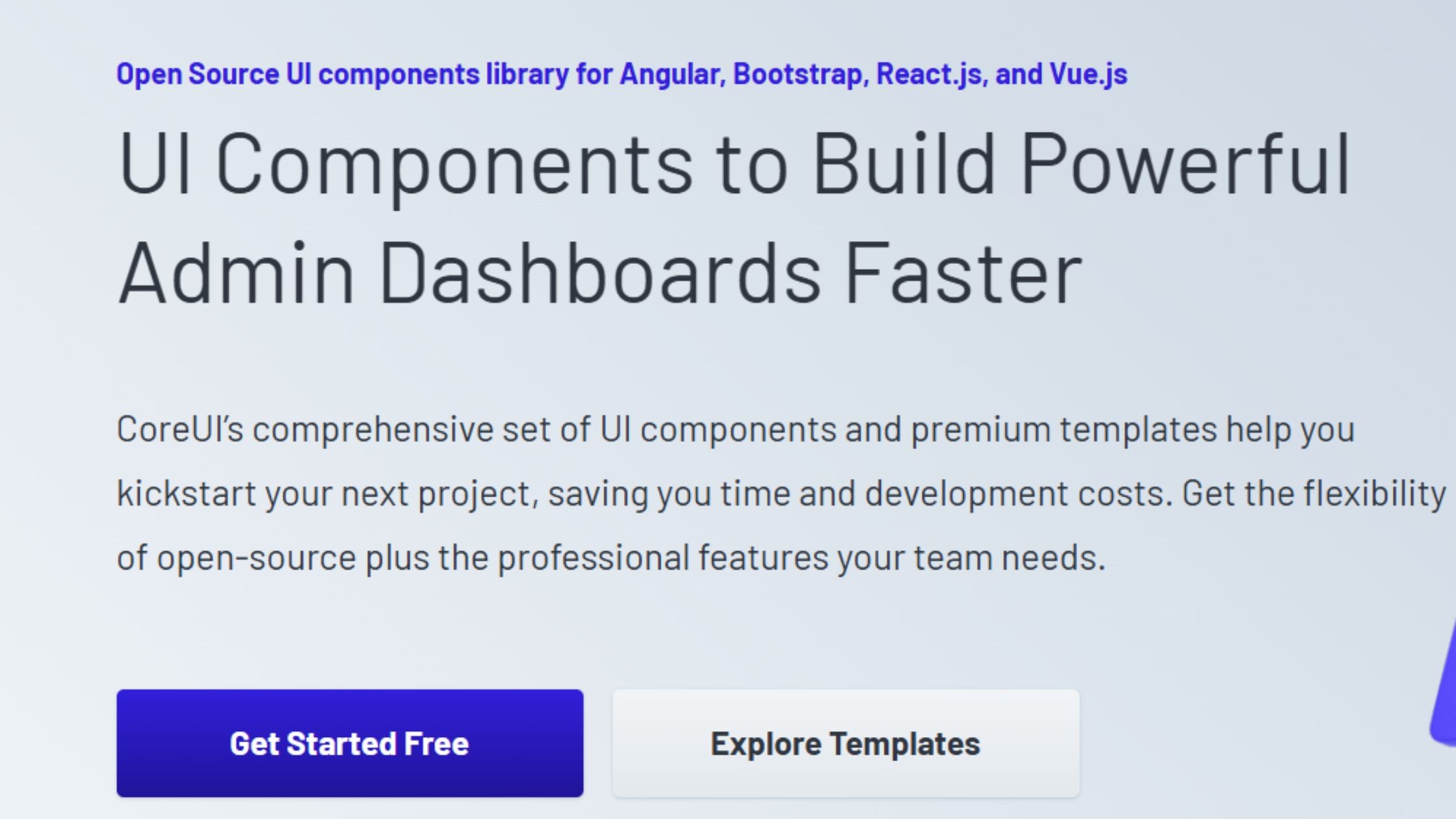
CoreUI is a modular React UI library dedicated to providing pre-built admin and dashboard templates. Designed for flexibility and cross-platform development, it supports teams working across React, Angular, and Vue, streamlining the creation of professional back-office interfaces with minimal setup.
GitHub stars: 716 (coreui/coreui-react) (29 Sep 2026)
npm weekly downloads (21 to 27 Sep 2026): 120k (@coreui/react)
Latest version: 5.13.0, released 20 Jul 2026 (MIT)
Key Features:
Modular SASS-based admin and dashboard templates
Integrated icon set and exclusive widgets
Cross-browser support
RTL/LTR toggle for multilingual layouts
Suitable for multi-platform (React, Angular, Vue) teams
Advantages:
Quick assembly of back-office dashboards
Delivers a modern look and user experience without heavy customization
Simplifies cross-platform development for diverse frontend stacks
How to Keep UI Consistent Across Multiple SaaS Products
Short answer: Keep UI consistent across several SaaS products by publishing one shared, versioned component package built on design tokens. Choose one base library (such as MUI, Mantine or shadcn/ui), wrap it in your own components, document them in Storybook and run visual regression tests so every product can upgrade safely.
A component library on its own does not keep products consistent. Consistency comes from a single source of truth that every product consumes, and from a release process that makes change safe. In practice that means five pieces:
Design tokens. Store colour, spacing, typography, radius and motion as tokens, ideally in the W3C Design Tokens Community Group format (its first stable version, 2025.10, is published at designtokens.org). Generate CSS variables and theme objects from them so each product, or each white-label brand, only swaps token values.
One shared component package. Wrap your chosen base library in your own Button, Input, DataTable and so on, and publish them as a private package. Products import your components, never the base library directly, so you can change the base later without touching product code.
Theming that matches the base library. MUI and Mantine use typed theme objects with CSS variables, Chakra UI v3 uses tokens and recipes, and shadcn/ui uses CSS variables plus presets and private GitHub registries for sharing a configuration between repositories.
Semantic versioning and changelogs. Treat breaking visual changes as major versions, ship codemods where you can, and let each product upgrade on its own schedule.
Storybook and visual regression tests. Document every component and state in Storybook, and compare screenshots on each pull request (Storybook visual tests or Playwright screenshots) so a token change cannot silently break another product.
If you are standardising several products at once, our UI component library development and enterprise design system services cover this set-up, and our glossary of SaaS UI/UX design terms explains tokens, variants and other terms used here.
Enterprise-Grade React Components for Small Teams
Short answer: Small teams get the most enterprise features for the least code from libraries that ship data grids, charts and forms together. MUI with MUI X, Mantine and Ant Design cover most SaaS dashboards under MIT. Add AG Grid for very large, spreadsheet-like grids, and check which advanced features need a paid licence.
Data grids are usually where "free" ends. The table below shows what each option includes and where commercial licensing starts.
Option | Data grid | Charts | Forms | Licence notes |
|---|---|---|---|---|
MUI + MUI X | @mui/x-data-grid 9.14.0 | @mui/x-charts 9.14.0 | Inputs only; pair with React Hook Form or similar | Community packages MIT; Pro (e.g. column pinning, multi-sort) and Premium (e.g. row grouping, Excel export) are commercial |
AG Grid | ag-grid-react 36.2.0 | Separate product | Not included | ag-grid-community is MIT; ag-grid-enterprise is licensed "Commercial" on npm |
Mantine | Table component; pair with TanStack Table or AG Grid for complex grids | @mantine/charts (built on Recharts 3) | @mantine/form | MIT |
Ant Design | Table with sorting, filtering and pagination | @ant-design/charts 2.6.7 (separate package) | Form built in | MIT |
PrimeReact | DataTable | Chart component | Form inputs | v11 PrimeUI licence (free Community tier or paid); v10 MIT |
Tremor + Recharts | Table components | Tremor charts on Recharts (recharts 3.10.1, 66.9M weekly downloads) | Basic inputs | Tremor Apache-2.0; Recharts MIT |
For a two to five person team building a B2B dashboard, a practical default is Mantine or MUI for the application shell and forms, MUI X Data Grid (MIT) for tables until you need Pro features, and Recharts-based charts. Move to AG Grid Enterprise or MUI X Premium only when a customer needs grouping, pivoting or Excel export. Versions from npm, 29 September 2026.
Need help choosing or building this stack? See our frontend development services.
Long-Term Maintenance: Choosing Audited, Accessible Libraries
Short answer: Libraries whose maintainers build and test accessibility themselves cost less to maintain, because you inherit fixes instead of writing them. React Aria and Radix both follow WAI-ARIA Authoring Practices and test with assistive technologies. Before committing, also check release cadence, support lines, licence history and who funds the project.
Vendors describe testing, not certification, so still audit your own screens against WCAG 2.2. Use these signals to judge long-term risk:
Documented accessibility testing. React Aria states its components are tested across devices, browsers and screen readers (React Aria accessibility). Radix says its primitives follow WAI-ARIA Authoring Practices and are tested with commonly used assistive technologies (Radix accessibility). Libraries built on them, such as HeroUI (React Aria) and shadcn/ui, inherit that work.
Release cadence. In September 2026, MUI, Ant Design, Mantine, Chakra UI, HeroUI, Blueprint, React-Admin, Grommet and PrimeReact all published releases within the previous six weeks. Semantic UI React (December 2023), react-onsenui (June 2023) and @tremor/react (January 2025) had not.
Support lines for older majors. Several projects keep maintained older versions on npm: MUI (latest-v5, v6, v7 tags), Ant Design (latest-4, latest-5), Mantine (legacy 7.17.8), AG Grid (v32-lts) and PrimeReact (v10-stable, still MIT with security fixes).
Bus factor and funding. Prefer projects with a company or several active maintainers behind them: MUI (MUI, which also builds Base UI), React Aria (Adobe), Radix (WorkOS), shadcn/ui (built at Vercel), Blueprint (Palantir) and Tremor (acquired by Vercel).
Licence history. PrimeReact moved from MIT to a commercial PrimeUI licence with v11 in 2026. Wrapping any base library in your own components, as described above, limits the cost of switching if this happens to you.
How to Select the Right React UI Stack for Your Use Case
When it comes to selecting the best React component library for 2026:
For enterprise and scalable projects: Choose libraries like Material-UI (MUI), Ant Design, or PrimeReact, which excel in stability, performance optimization, and community support.
For brand customization and long-term flexibility: Consider libraries that allow developers to create custom themes easily. Headless UI frameworks, such as Radix UI, React Aria, Headless UI, and shadcn/ui, offer the best foundation for a unique, maintainable design system.
For speed and smooth developer workflow: Toolkits like Chakra UI, Mantine, and HeroUI balance out-of-the-box usability with a deep capacity for unique themes and visual innovation.
For mobile or hybrid web development: Libraries like Grommet and Onsen UI prioritize responsive, native-like experiences and are optimized for mobile, making them ideal for developers building app-like interfaces.
Our Frontend Engineering Perspective
At Hashbyt, we’ve worked with multiple React UI libraries across SaaS products, enterprise dashboards, frontend modernization projects, and highly customized design systems.
In our experience:
MUI remains one of the strongest choices for enterprise CRUD-heavy applications because of its mature ecosystem and production-ready component depth.
Ant Design performs exceptionally well for fintech, ERP, and data-intensive admin workflows.
Chakra UI is excellent for fast-moving startup teams shipping MVPs quickly.
Radix UI and shadcn/ui provide the best long-term flexibility for organizations building scalable custom design systems.
React Aria stands out for accessibility-first frontend architectures where keyboard navigation and inclusive interaction patterns are critical.
The best React UI library ultimately depends on whether your priority is:
speed,
scalability,
accessibility,
customization,
or long-term design system ownership.
Which React UI Component Library Should You Choose?
If you need:
fast enterprise development → choose MUI or Ant Design
full design flexibility → choose Radix UI or shadcn/ui
Tailwind-native workflows → choose Headless UI or HeroUI
accessible primitives → choose React Aria
dashboard-heavy analytics → choose Tremor or BlueprintJS
rapid SaaS prototyping → choose Chakra UI or Mantine
There is no single “best” React UI component library for every project. The right choice depends on:
your frontend architecture
team size
customization requirements
accessibility standards
long-term scalability goals
The most successful frontend teams optimize for maintainability and developer velocity, not just visual aesthetics.
Final Verdict: Choosing the Best React UI Component Library
The React frontend ecosystem in 2026 is increasingly moving toward composable, accessibility-first, and design-system-driven architectures. While traditional component frameworks like MUI and Ant Design continue to dominate enterprise development, modern headless solutions such as Radix UI and shadcn/ui are becoming the preferred choice for highly customized SaaS products and scalable frontend systems.
For teams prioritizing:
rapid development → Chakra UI and Mantine remain excellent choices
enterprise workflows → MUI and Ant Design are still industry leaders
customization and flexibility → Radix UI and shadcn/ui provide the strongest long-term foundation
accessibility → React Aria continues to set the benchmark
The best React UI library is ultimately the one that aligns with your:
product architecture,
frontend team workflow,
scalability goals,
and long-term maintenance strategy.




About the author
I’m the founder of Hashbyt, an AI-first frontend and UI/UX SaaS partner helping 200+ SaaS companies scale faster through intelligent, growth-driven design. My work focuses on building modern frontend systems, design frameworks, and product modernization strategies that boost revenue, improve user adoption, and help SaaS founders turn their UI into a true growth engine.
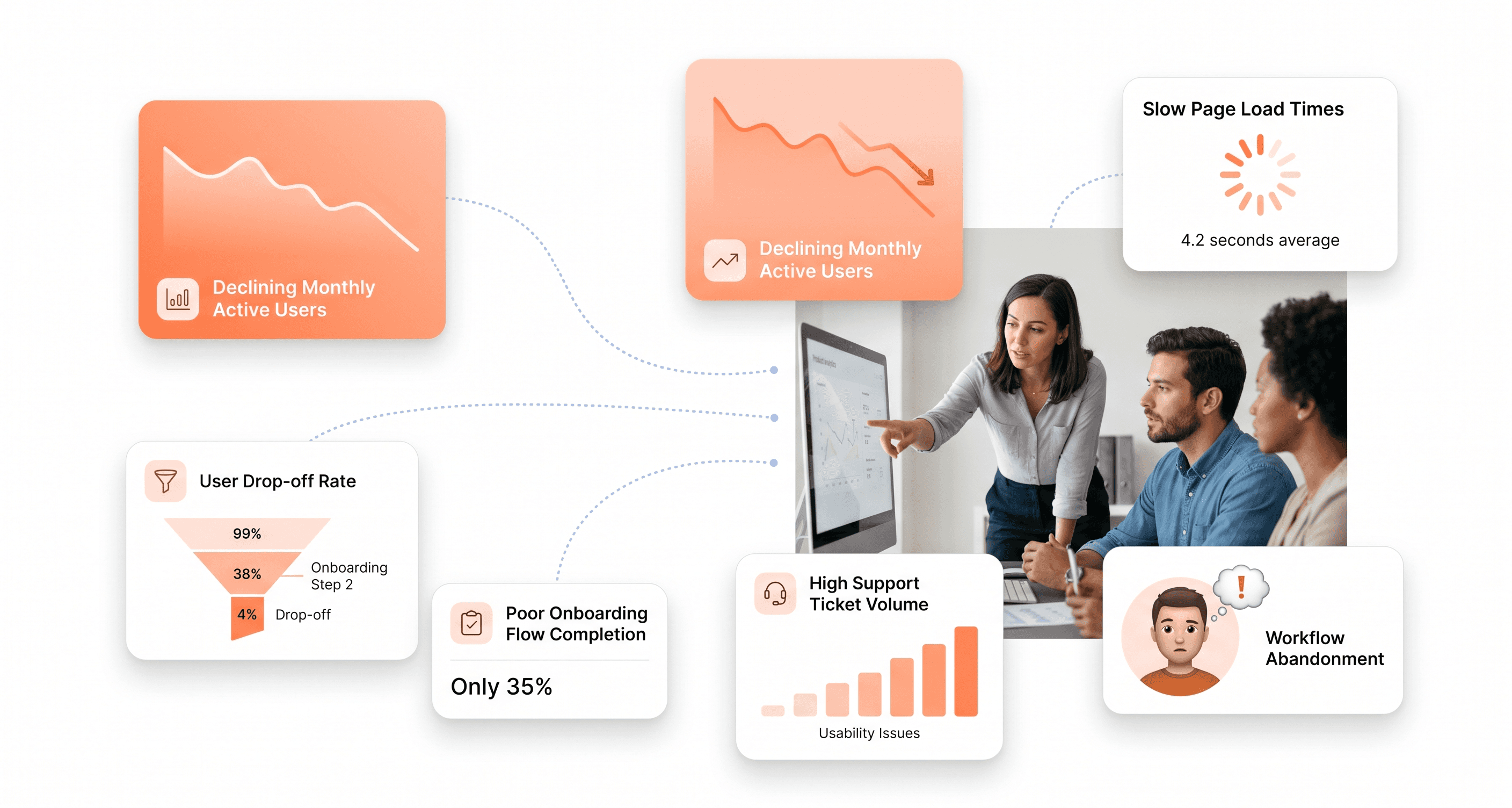
Is a clunky UI holding back your growth?
Is a clunky UI holding back your growth?
▶︎
Transform slow, frustrating dashboards into intuitive interfaces that ensure effortless user adoption.
▶︎
Transform slow, frustrating dashboards into intuitive interfaces that ensure effortless user adoption.
