

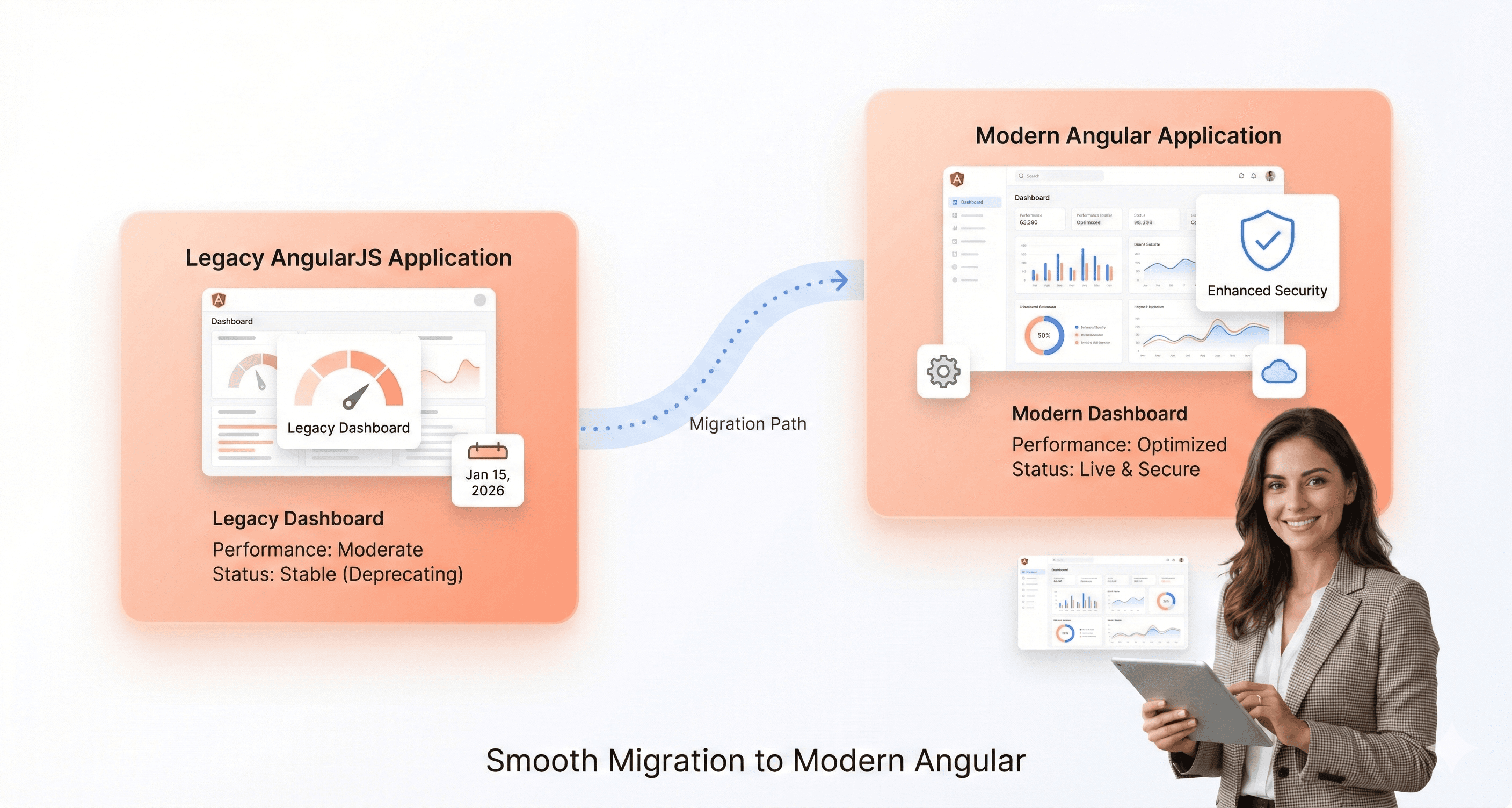
Why AngularJS Migration Is Urgent in 2026
You're not alone if your business application is still using AngularJS. Many organizations continue to rely on this once-dominant framework, even though Google officially ended support in 2021. What once felt like a stable foundation has quietly evolved into a growing source of security, performance, and compliance risk. As a result, the conversation has shifted from whether to upgrade to Angular to how to do it without disrupting business operations.
Despite AngularJS reaching end-of-life over three years ago, npm data shows that more than 419,000 applications still download AngularJS packages every week. These are not just outdated systems, they represent active production applications exposed to increasing technical and security debt.
Today, the migration question is no longer “if,” but how quickly AngularJS can be upgraded to modern Angular. With the right migration strategy, tooling, and planning, organizations can turn legacy AngularJS applications into secure, high-performance, and future-ready digital platforms.
This guide provides a clear, step-by-step AngularJS to Angular migration roadmap for 2026, covering security risks, architectural differences, migration strategies, tools, and best practices to help you modernize with confidence.
AngularJS has reached end-of-life, making legacy applications vulnerable to security risks, performance issues, and compliance failures. This AngularJS to Angular migration guide for 2026 walks through architectural differences, upgrade strategies, essential tools, and step-by-step best practices to help teams modernize safely, reduce technical debt, and build future-ready Angular applications.
What are the risks of not upgrading from AngularJS to Angular?
If the app is still working, it can seem like the easiest thing to do to keep using AngularJS. But this ignores the growing threats that have made migration an essential need. The framework has achieved its end-of-life (EOL), which means that Google no longer sends it security patches, performance improvements, or bug fixes.
Because there is no support, your application is open to major security holes. Your system is an easy target for cyberattacks since new threats are found but not fixed. Also, newer browsers are no longer optimized for AngularJS, which might make things run more slowly and make the user experience less pleasant. Finding engineers who can keep your old system running is becoming harder and more expensive because the pool of people who know how to use this outdated technology is getting smaller.
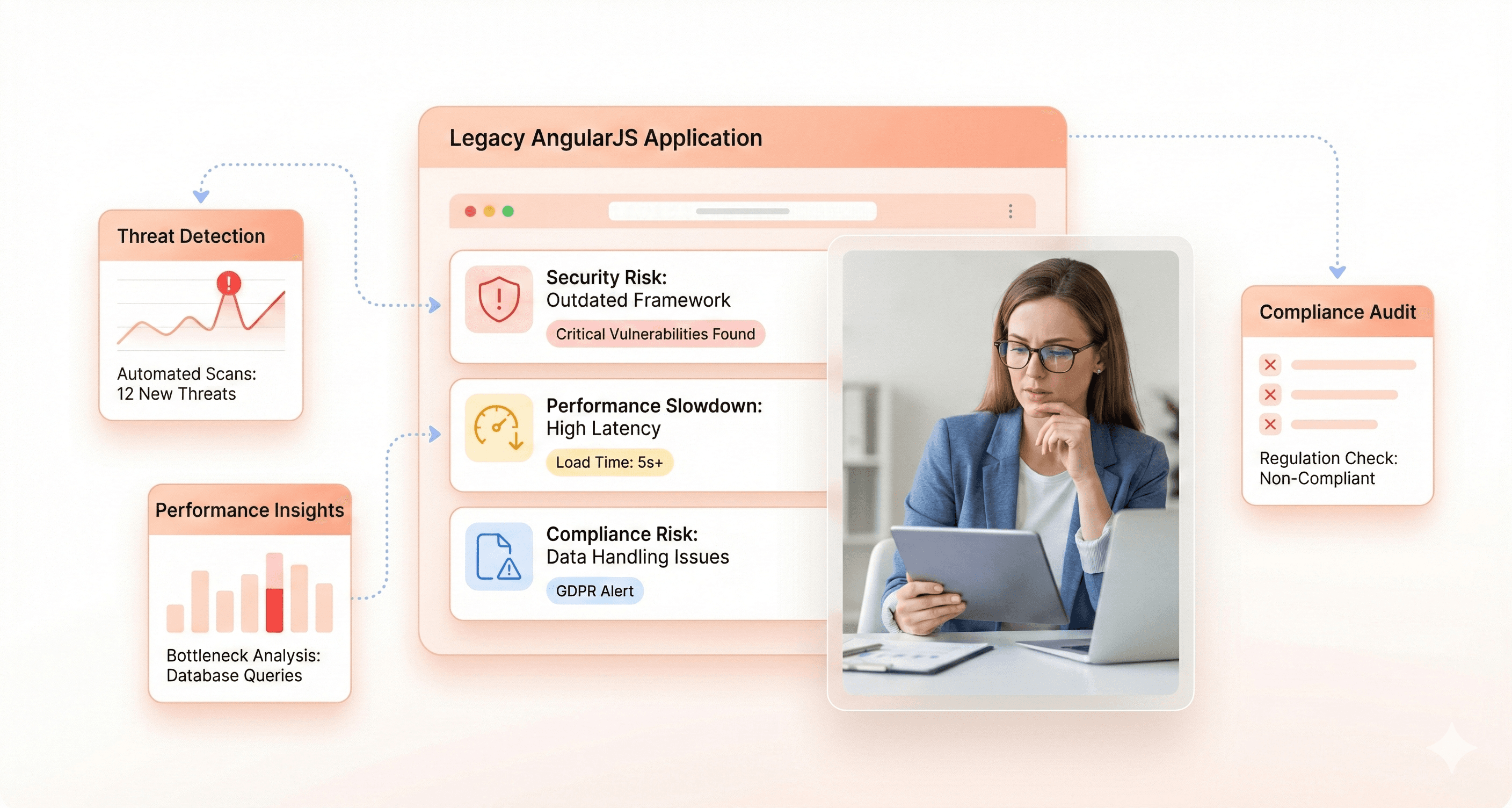
AngularJS Security Risks: Vulnerabilities, CVEs, and Compliance
Unpatched Flaws: Since support ended, new vulnerabilities like Regular Expression Denial of Service (ReDoS) and Cross-Site Scripting (XSS) threaten all AngularJS applications to Angular upgrade candidates. Such flaws remain permanently unless you upgrade from AngularJS.
Emerging Threats: In 2026, CVE-2025-0716 exposed unsafe SVG sanitization a risk that will persist for any AngularJS app still in production, highlighting the urgency to migrate AngularJS to Angular.
Compliance Risks: Using an unsupported framework like AngularJS in regulated industries inevitably leads to non-compliance, audit failures, and costly penalties.
Automated bots continuously probe the web for older AngularJS code with known exploits. If you don’t upgrade your AngularJS application to Angular, you’re a perpetual target for attackers.
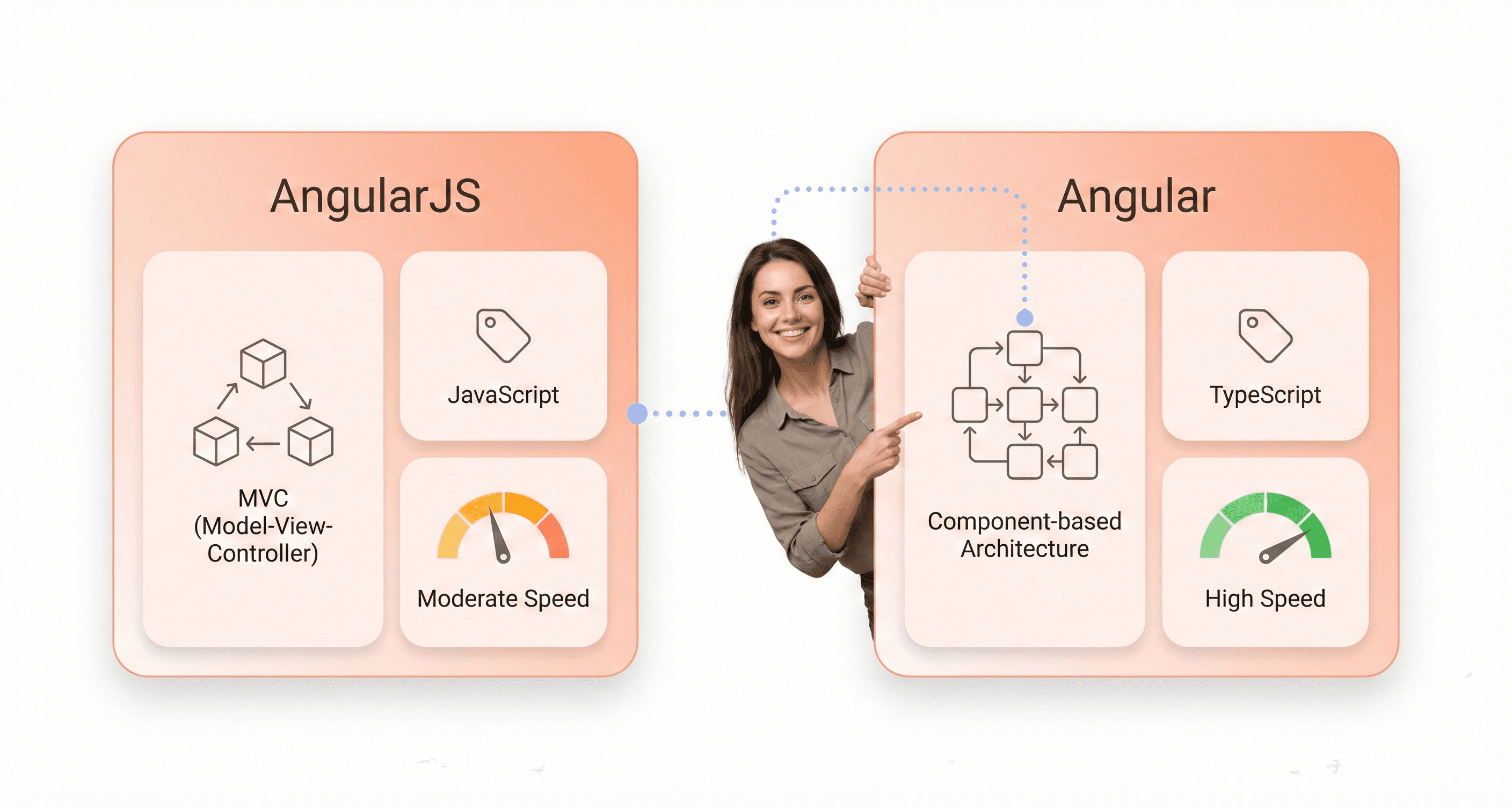
AngularJS vs Angular: Architecture, Performance & Tooling(Upgrade From AngularJS for Real Results)
To plan a successful Angular upgrade, you need to know the main differences between AngularJS and Angular. There are two different frameworks: AngularJS and Angular. The upgrade from AngularJS to Angular changes the architecture, coding style, and development experience.
Feature | AngularJS (v1.x) | Modern Angular (v18+) |
|---|---|---|
Language | JavaScript (ES5) | TypeScript |
Architecture | Model-View-Controller (MVC) | Component-Based |
Performance | Slower due to two-way data binding and a digest cycle. | High-performance with Ahead-of-Time (AOT) compilation and efficient change detection. |
Mobile Support | Not designed for mobile; monolithic structure. | Mobile-first design with features like lazy loading and Progressive Web App (PWA) support. |
Tooling | Relied on third-party tools like Gulp or Grunt. | Has an integrated Command Line Interface (CLI) for generating components, builds, and updates. |
Data Binding | Two-way data binding by default, which can cause performance issues. | Supports one-way data binding, with two-way binding as an option, giving developers more control. |
Support | Deprecated; no active support from Google. | Actively maintained by Google with a large, vibrant community and regular updates. |
The move from JavaScript to TypeScript is one of the most significant changes. TypeScript adds static typing, which helps developers catch errors early in the development process, leading to more robust and maintainable code. The shift to a component-based architecture also makes code more modular, reusable, and easier to test.
AngularJS to Angular Migration Strategies Explained
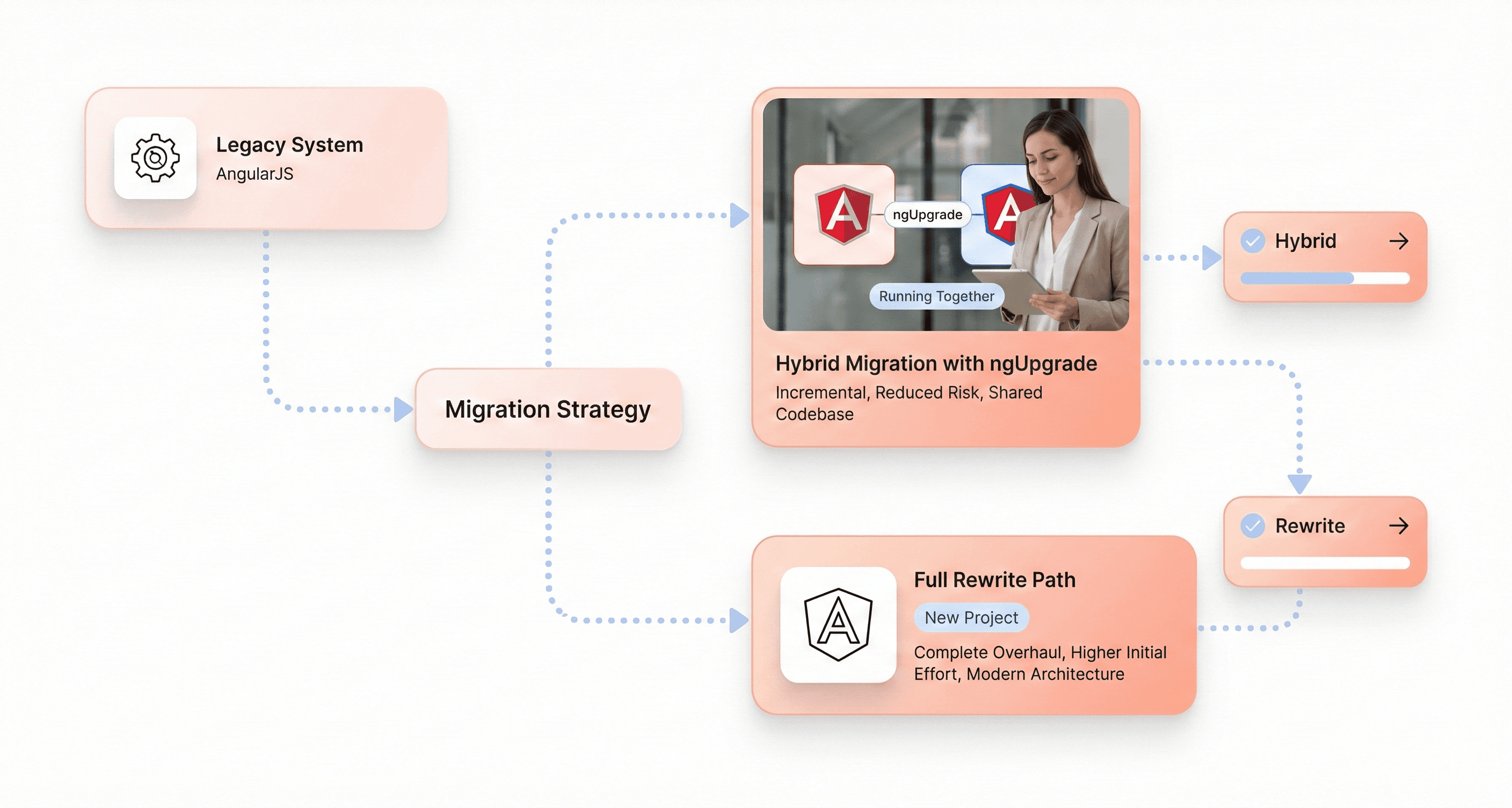
Choosing the right strategy is the next important step after you decide to move. There are two main options: a slow, mixed approach or a full "big bang" rewrite. The best option depends on how big and complicated your app is and how much disruption your business can handle.
Hybrid AngularJS Migration Using ngUpgrade
The hybrid approach is the best way to go for most big, complicated, and important applications. This method uses an official library from the Angular team called ngUpgrade. It lets AngularJS and modern Angular run in the same app at the same time.
This method lets you move your application over in small steps. Angular lets you add new features, and over time, old AngularJS components are rewritten. People often call this the "Strangler Fig" pattern. The new system slowly takes over the old one until the old one can be completely taken down.
Benefits of Hybrid AngularJS Migration
Minimal Business Disruption: Users can still use the application, and it works perfectly during the migration process.
Lower Risk Up Front: The project is divided into smaller, easier-to-manage pieces, which lowers the chance of a big failure.
Spread Costs Over Time: The investment can be spread out over a longer period of time, which makes it easier to manage from a budget point of view.
Drawbacks of Hybrid Angular Migration
Temporary Complexity: For a time, your team will need to manage a dual-tech stack, which requires expertise in both frameworks.
Risk of a "Perpetual Hybrid": If the migration is not managed with clear goals and timelines, the project can stall, leaving you with a permanent hybrid that has its own form of technical debt.
Key Steps to Upgrade AngularJS to Angular
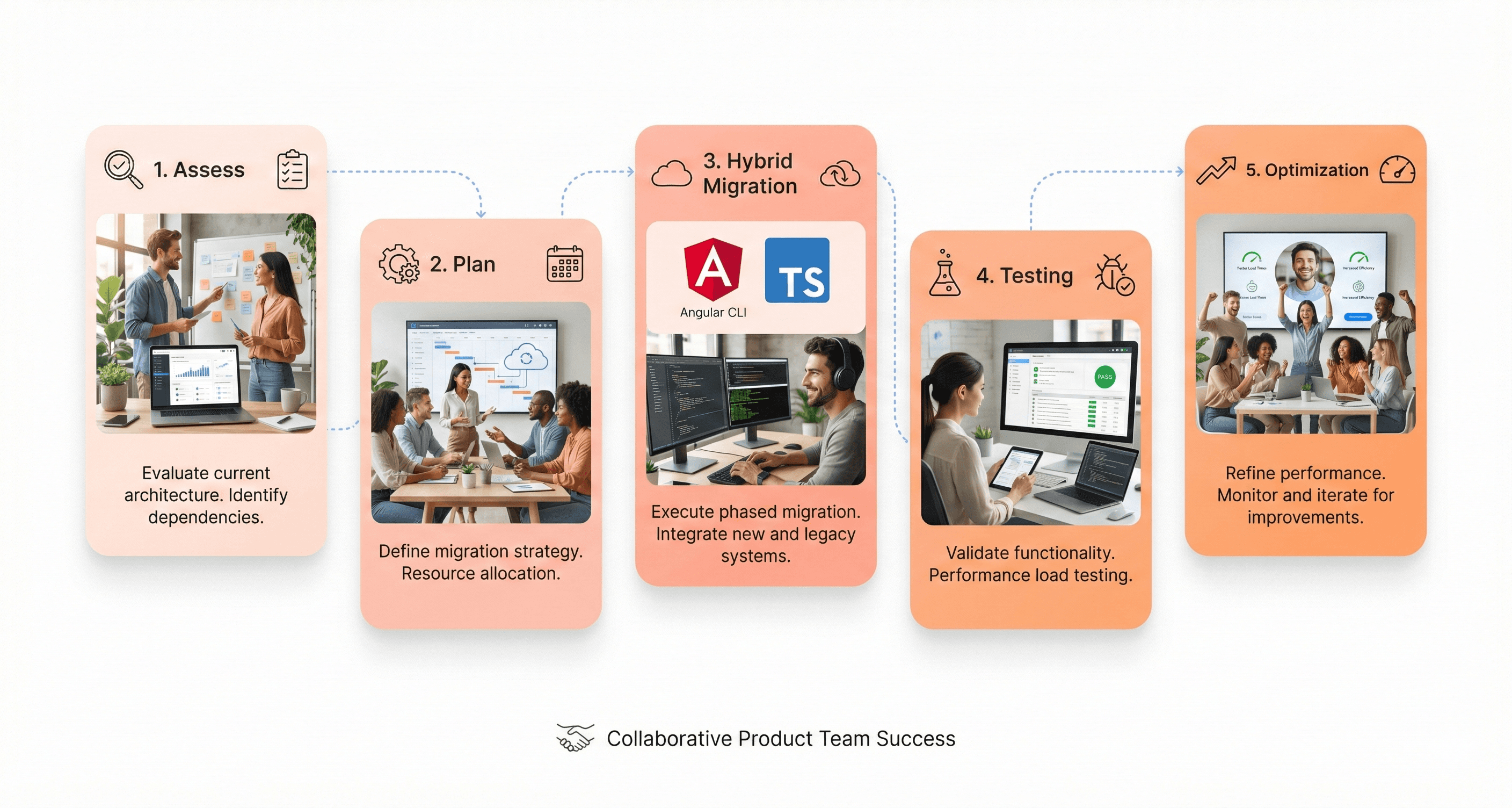
Assess your existing AngularJS application: Evaluate app complexity, business risk, and readiness to upgrade AngularJS.
Choose your migration strategy: Decide between full rewrite, hybrid, or Angular Elements.
Plan your roadmap: Set project milestones, deadlines, and decommission legacy AngularJS parts at each stage.
Equip your team: Provide training in the Angular framework, Angular CLI setup, and Angular TypeScript projects.
Start with preparatory steps: Refactor legacy code, improve modularity, and implement Angular component directives where possible.
Essential Tools for AngularJS to Angular Migration
By using the correct tools, you can make your transition from AngularJS much easier and make sure that your existing AngularJS code moves over without any problems.
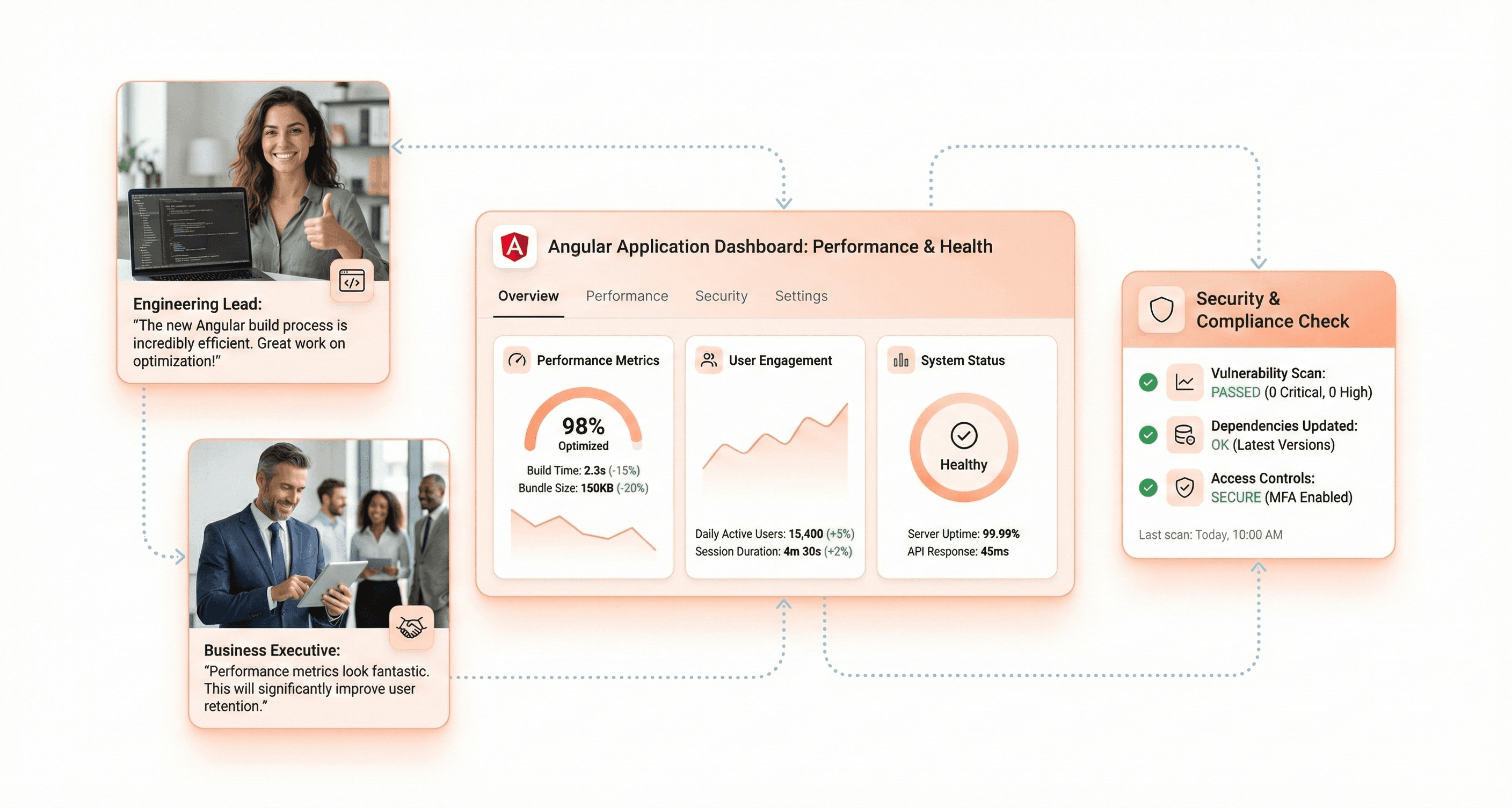
Angular CLI: To make components, handle builds, and make your new Angular app more consistent.
ngUpgrade (the official Angular Upgrade Module) lets you run both AngularJS and Angular code in the same app. This is great for moving to Angular gradually.
Angular Elements: Turns Angular components into custom elements that may be used in both new and old areas of an application.
TSLint and Codelyzer are tools for static analysis, making sure that Angular best practices are followed, and finding bugs in new Angular application files and upgraded AngularJS code.
Protractor, Jasmine, and Karma: These are tools that can automatically test both AngularJS and Angular sections during migration.
Cypress and Playwright are for modern end-to-end testing after much of the upgrading from AngularJS is done.
SonarQube or other static analysis tools can help you check your AngularJS project for security vulnerabilities or legacy complexity.
Use automatic converters, analytical helpers, and official Angular documentation to speed up the migration process.
Using these tools is important to make sure that your migration goes smoothly, that there are no problems, and that the quality of your existing AngularJS application stays high as you move it to Angular.
Step-by-Step AngularJS to Angular Migration Playbook
Preparation Phase:
Adopt TypeScript in your AngularJS codebase.
Refactor large, monolithic controllers and AngularJS modules into smaller, focused units for easier migration.
Audit external dependencies and ensure compatibility with the latest Angular version.
Hybrid Migration with ngUpgrade:
Set up a new Angular application using Angular CLI setup.
Bootstrap the hybrid application so both AngularJS and Angular parts run together.
Start with upgrading stateless services, then applications to Angular components one at a time.
Use Angular routes to gradually shift navigation from AngularJS routes as you progress.
Code example: Upgrading AngularJS directive to Angular component
Testing & Validation:
Test each upgrade from AngularJS regularly using unit tests, E2E tests, and regression checks.
Use the official Angular documentation to align with best practices throughout migration.
Optimization & Finalization:
After the migration, optimize with new Angular features (SSR, standalone components, Signals API).
Remove all legacy AngularJS code, dependencies, and ensure full compatibility with the latest version of Angular.
Common AngularJS Migration Mistakes to Avoid
Not realizing how hard migrating is: To move from AngularJS to Angular, you frequently have to do a lot of restructuring on old AngularJS code.
Inconsistent tool choice: Always use official Angular and open-source migration tools and helpers that you can trust.
Hybrid trap: If there isn't a clear deadline, hybrid programs can get stuck and build up more technological debt.
Not enough training for developers: To make sure that your project is successful at every stage of the Angular upgrade, either invest in training your team or hire experienced Angular developers.
Testing Strategy for AngularJS to Angular Migration
Testing of Units and Integrations: For every new Angular component you make, move or rewrite the tests.
E2E Testing: After upgrading from AngularJS, utilize Protractor or Cypress to make sure that user flows work as they should.
Performance and Visual Regression Testing: Tools like Lighthouse and visual testers make sure that your new Angular app works better than your old AngularJS app and looks right.
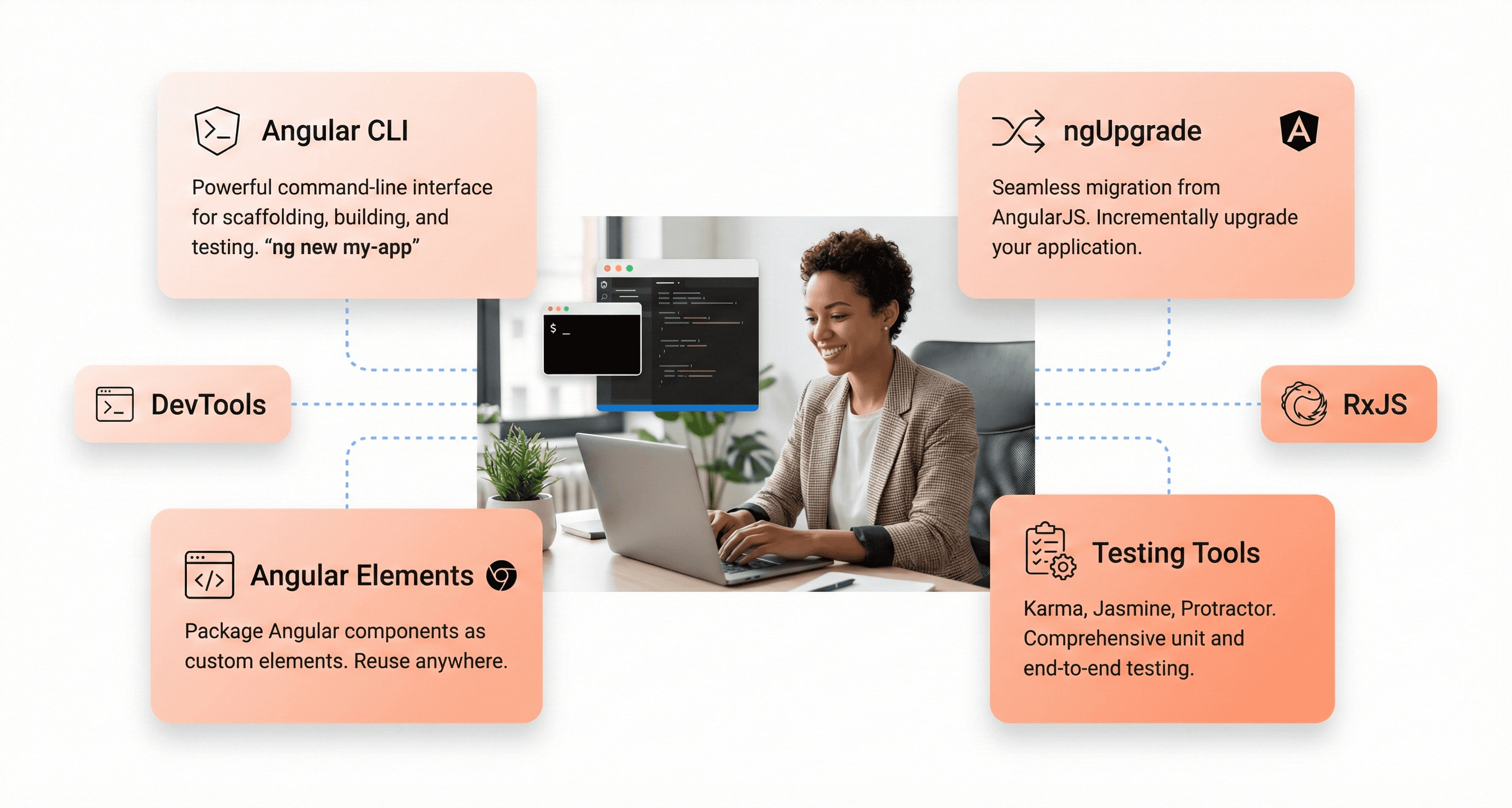
Migrating AngularJS applications to Angular is no longer optional, it's an essential for any organization that wants secure, future-proof web infrastructure. By leveraging the best resources, official Angular tools, and proven migration strategies, you can upgrade from AngularJS with minimal disruption and maximum payoff.
Start planning today: assess your existing AngularJS app, map your upgrade path, empower your team, and use the official Angular documentation and ecosystem tools. A modern, high-performance Angular application awaits.
Ready to Migrate from AngularJS to Angular?
The risks of staying on AngularJS are clear, but the path to a modern, high-performance Angular application is clearer with the right partner. At Hashbyt, we specialize in seamless, efficient migrations that transform legacy liabilities into competitive assets.
Don't wait for a security breach or performance lag to force your hand. Contact our Angular experts today for a personalized migration plan and quote.

About the author
Author Name:
Parth G
|
Founder of
Hashbyt
I’m the founder of Hashbyt, an AI-first frontend and UI/UX SaaS partner helping 200+ SaaS companies scale faster through intelligent, growth-driven design. My work focuses on building modern frontend systems, design frameworks, and product modernization strategies that boost revenue, improve user adoption, and help SaaS founders turn their UI into a true growth engine.
Follow the expert:

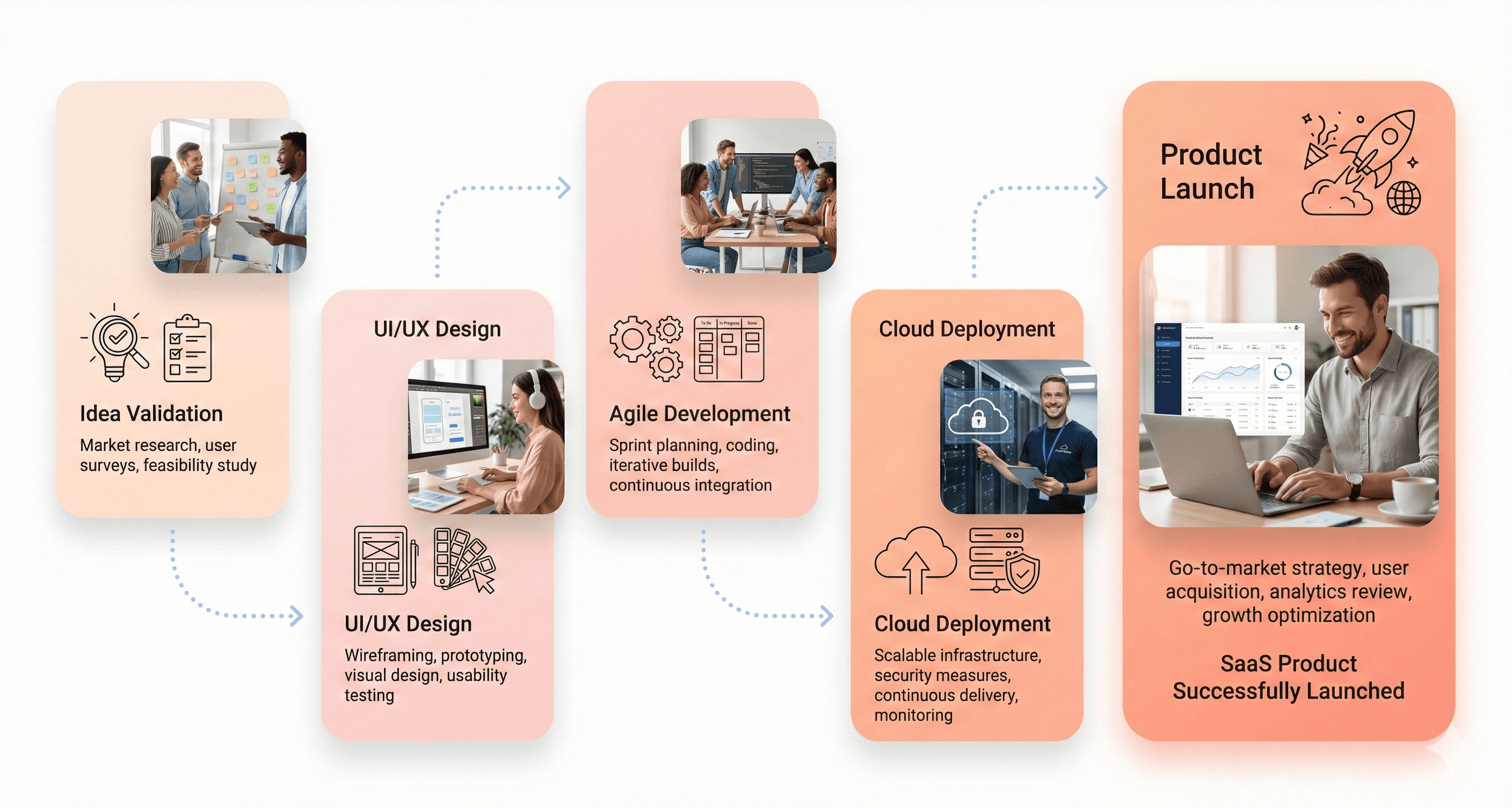

Is a clunky UI holding back your growth?
Is a clunky UI holding back your growth?
▶︎
Transform slow, frustrating dashboards into intuitive interfaces that ensure effortless user adoption.
▶︎
Transform slow, frustrating dashboards into intuitive interfaces that ensure effortless user adoption.
