

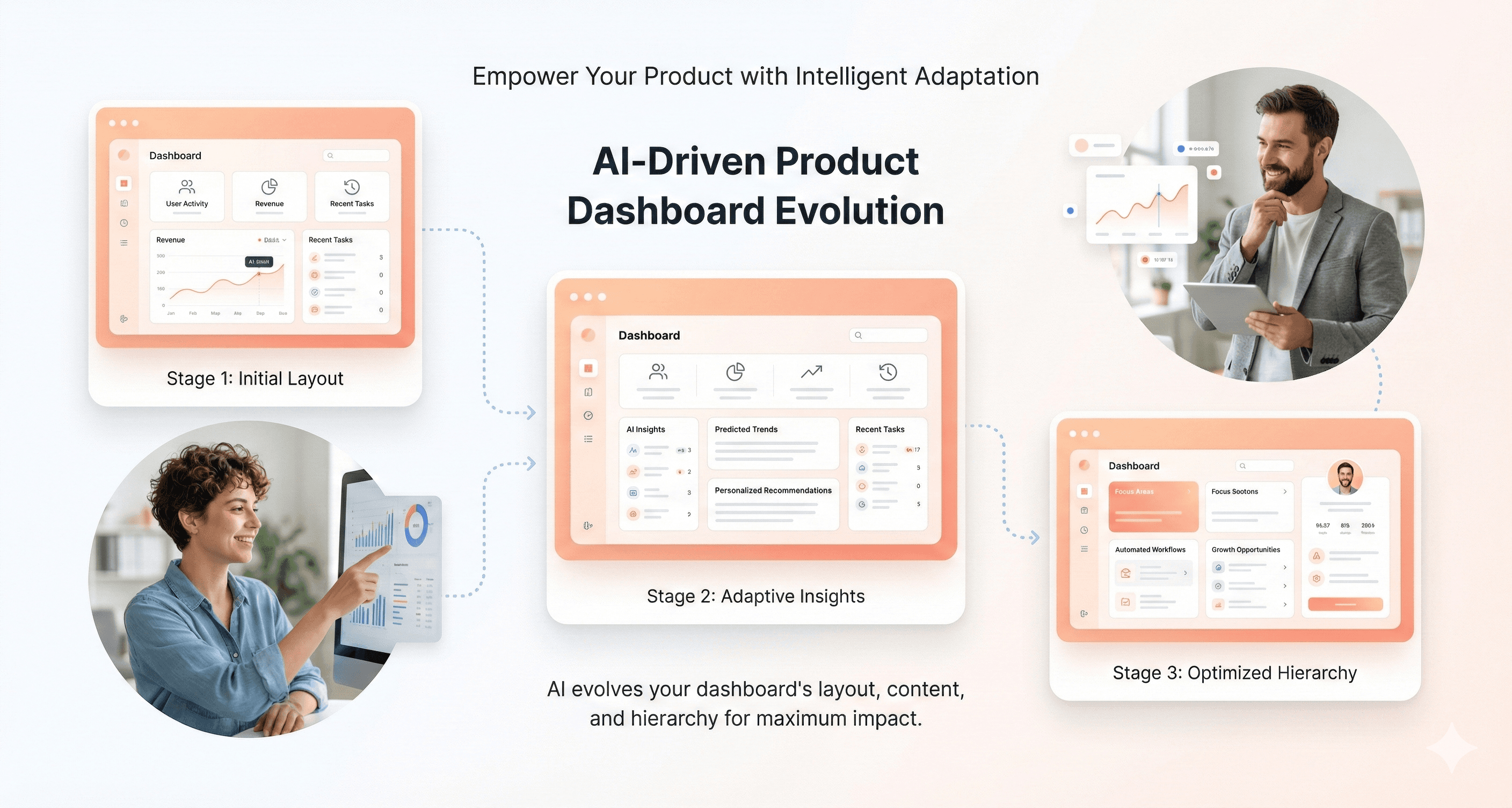
AI UI generation is fundamentally changing how digital product design services operate, and B2B SaaS companies are seeing real business results. For design teams, product managers, and business leaders looking to stay competitive, the question isn't whether to adopt AI tools, it's which ones deliver measurable ROI right now.
This guide is for: B2B SaaS companies, design agencies, and product teams ready to implement AI-driven design workflows that actually move the needle on conversions and efficiency.
The landscape has shifted dramatically in 2026. While some AI design trends remain experimental, others are delivering 10-25% conversion lifts and 50%+ time savings in production environments. We'll cut through the hype to focus on what works.
Here's what we'll cover:
Critical AI UI trends driving real business results, We'll examine the five highest-impact AI design capabilities that are production-ready today, from personalization systems achieving double-digit conversion improvements to accessibility automation that ensures compliance while improving user experience.
Strategic implementation framework for immediate wins - You'll get a practical roadmap for rolling out AI design tools in your organization, starting with quick victories in workflow efficiency and scaling to advanced personalization and optimization systems.
Future-focused investment priorities - We'll identify emerging AI technologies worth monitoring for 2027 and beyond, helping you prepare for the next wave of design innovation without getting distracted by shiny objects that aren't ready for production.
Critical AI UI Generation Trends Driving Business Results in 2026
AI-Driven Personalization Delivering 10-25% Conversion Lifts
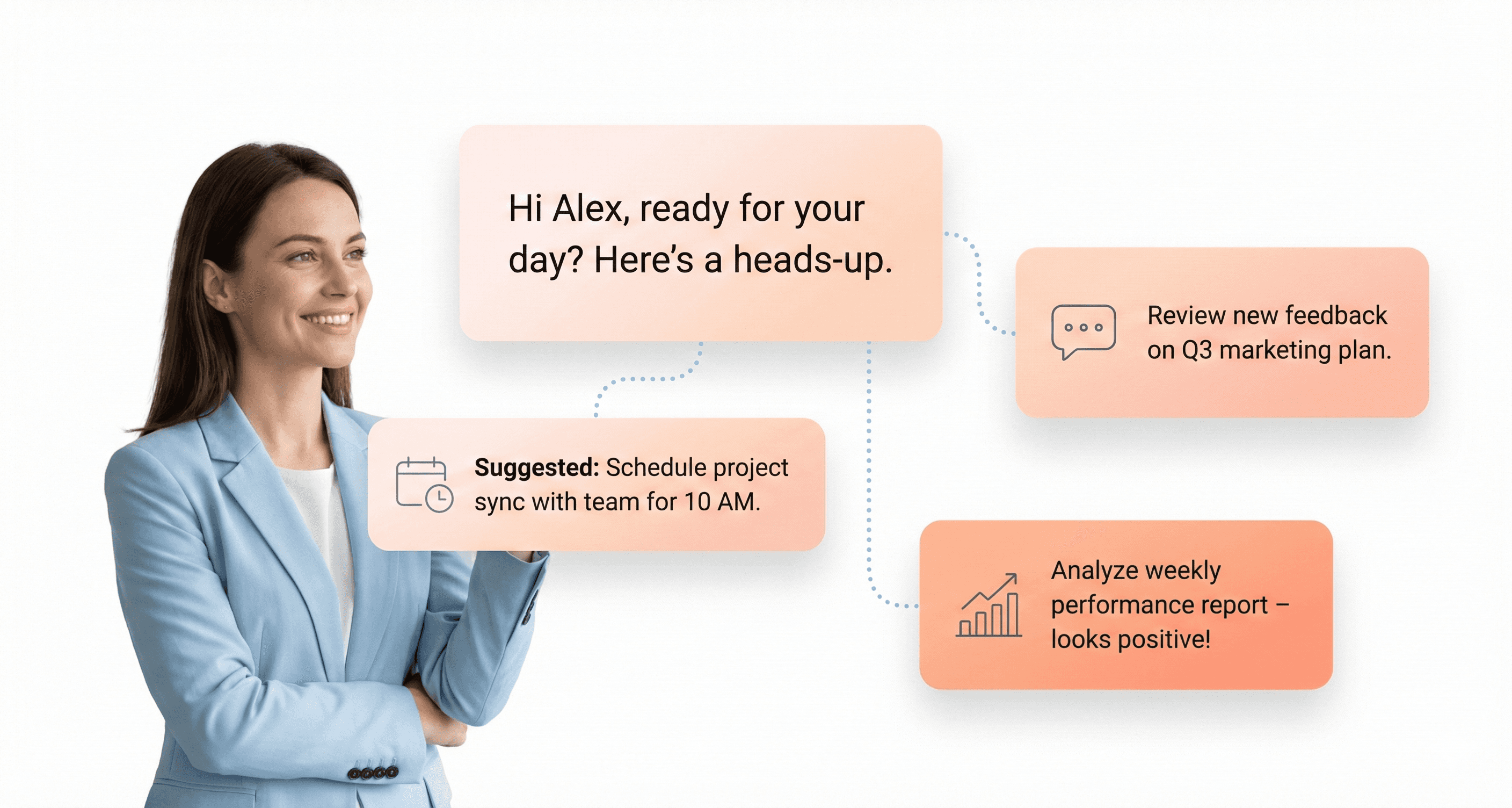
AI-powered personalization has evolved from simple recommendation engines to sophisticated systems that understand and respond to user intent in real-time. In 2026, we're witnessing a fundamental shift toward designing for intent rather than static interfaces, where systems create experiences that recognize and respond to users' specific intentions.
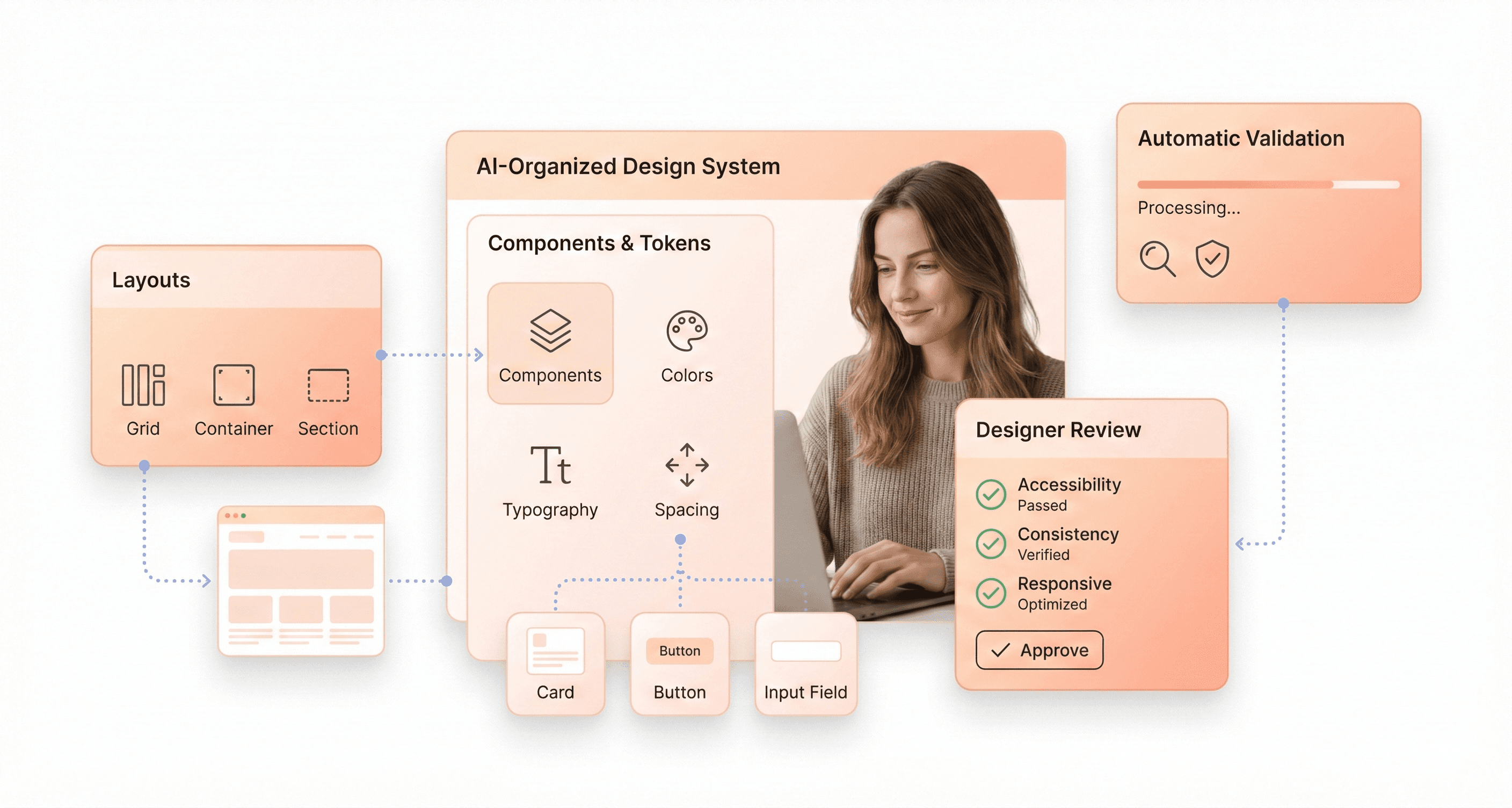
This approach categorizes user intent into four key areas: informational (seeking knowledge), navigational (finding specific locations), commercial (comparing products), and transactional (ready to purchase). AI systems now predict next steps by understanding user habits, mapping intentions, and handling errors gracefully. Success metrics have shifted from traditional visual appeal to user behaviors including forward movement, engagement, and goal achievement.
The most significant advancement lies in making the system's reasoning visible to users while optimizing based on signals and feedback. Companies implementing intent-driven personalization are seeing conversion lifts between 10-25% as AI systems adapt interfaces dynamically based on user context, emotional state, and behavioral patterns.
Accessibility Automation Ensuring Compliance and Universal User Experience
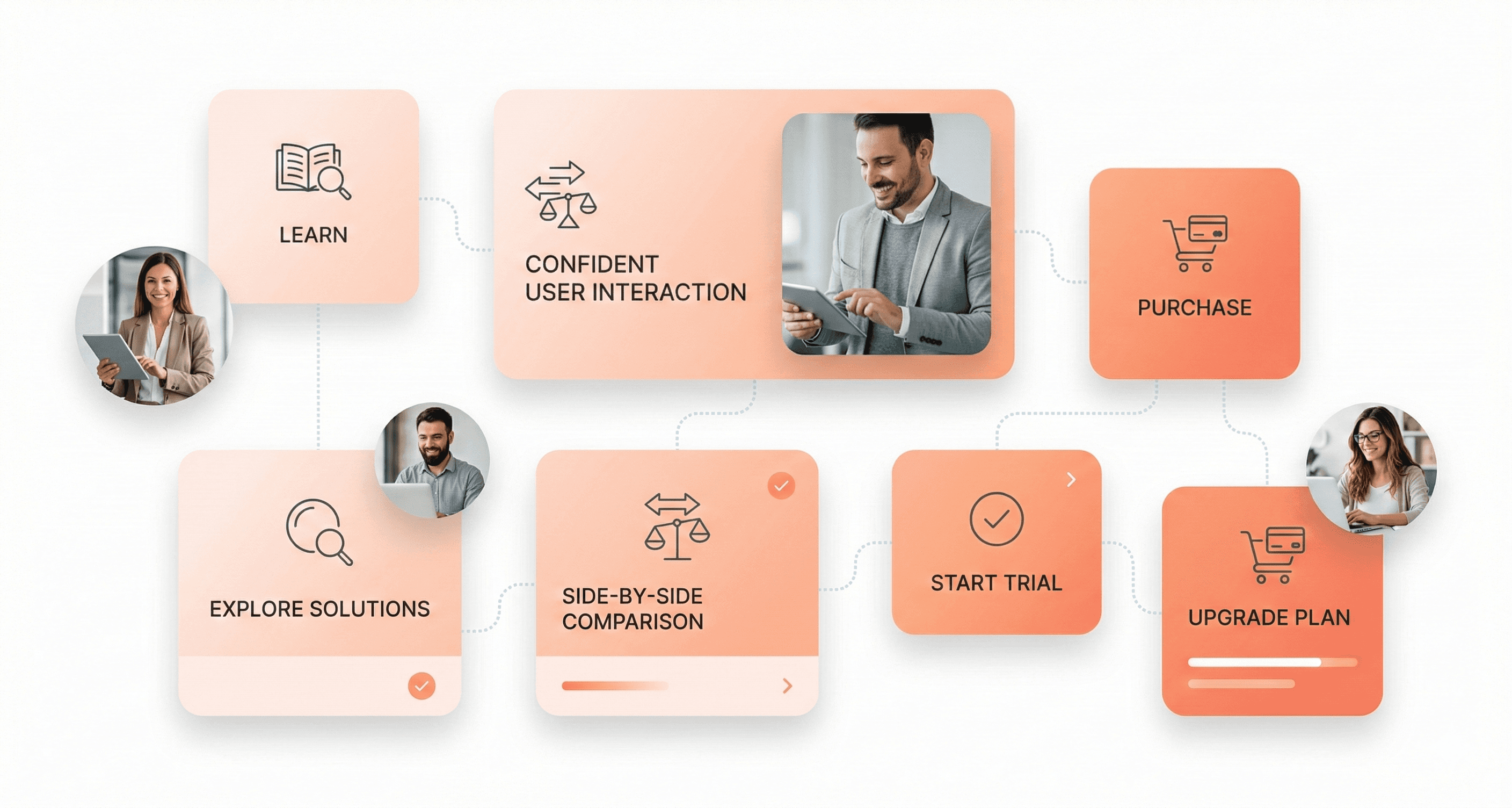
Accessibility automation has become a cornerstone of AI UI generation, with systems now capable of implementing comprehensive compliance measures without manual intervention. AI-generated design systems are incorporating automated accessibility validation as a core feature, ensuring universal user experience from the ground up.
The challenge with glassmorphism and modern visual effects has pushed AI systems to develop sophisticated accessibility solutions. These systems automatically adjust opacity, background blur, and depth while maintaining high contrast ratios and providing customizable transparency options. AI now tests designs across different backgrounds, lighting conditions, and accessibility modes to ensure compliance.
Machine Experience (MX) design principles are driving this automation forward by focusing on semantic components, patterns, and relationships that AI systems can interpret for accessibility purposes. Through semantic HTML, clear hierarchy, and proper labeling, AI systems improve discoverability and content representation for assistive technologies. This semantic approach allows AI to automatically generate ARIA labels, keyboard navigation patterns, and screen reader optimizations.
AI Design Assistants Reducing Production Time by 50%
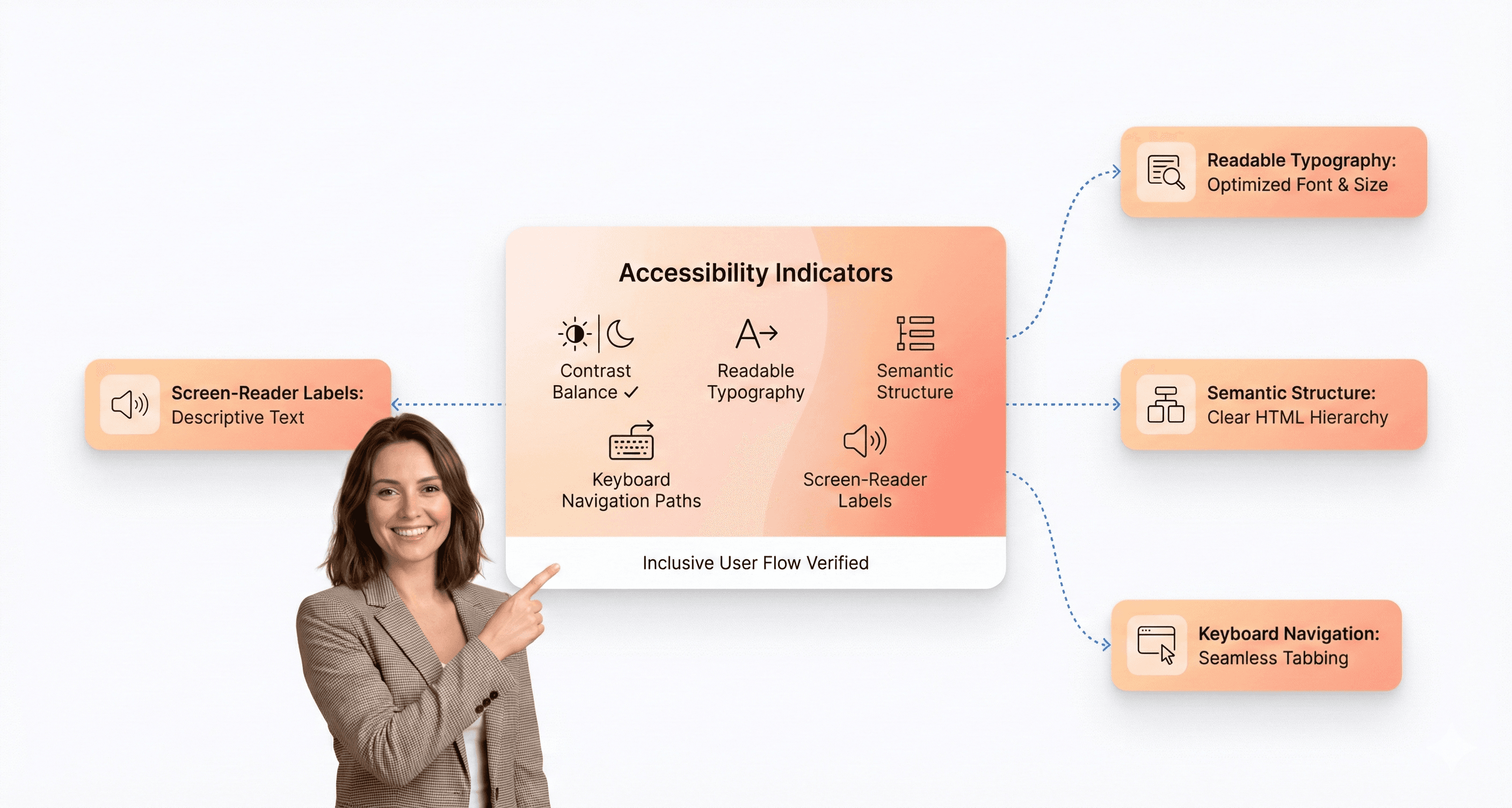
AI design assistants have matured beyond simple automation tools to become strategic partners in the design process. These systems are now capable of generating comprehensive design systems with components, tokens, and patterns that maintain consistency while dramatically reducing repetitive work.
The key advancement lies in AI's ability to perform pattern detection, usage analytics, and governance validation automatically. Tools like Motiff demonstrate how AI can automate design inventory audits, consistency checks, and token synchronization, giving teams better control while increasing production speed by 50%.
However, the most effective implementations treat AI as a starting point rather than a final solution. Teams that achieve the greatest time savings use AI-generated outputs as foundations for iteration, maintaining human ownership of design decisions while leveraging AI for rapid prototyping and system generation. This collaborative approach ensures that AI accelerates output without compromising design integrity or strategic thinking.
The success of AI design assistants depends heavily on better prompt engineering. Effective prompts must define the audience and emotional state, clarify intent and desired outcomes, establish boundaries including facts and constraints, and include verification methods for evaluating outputs.
AI-Enhanced Prototyping Accelerating Design Cycles by 70%
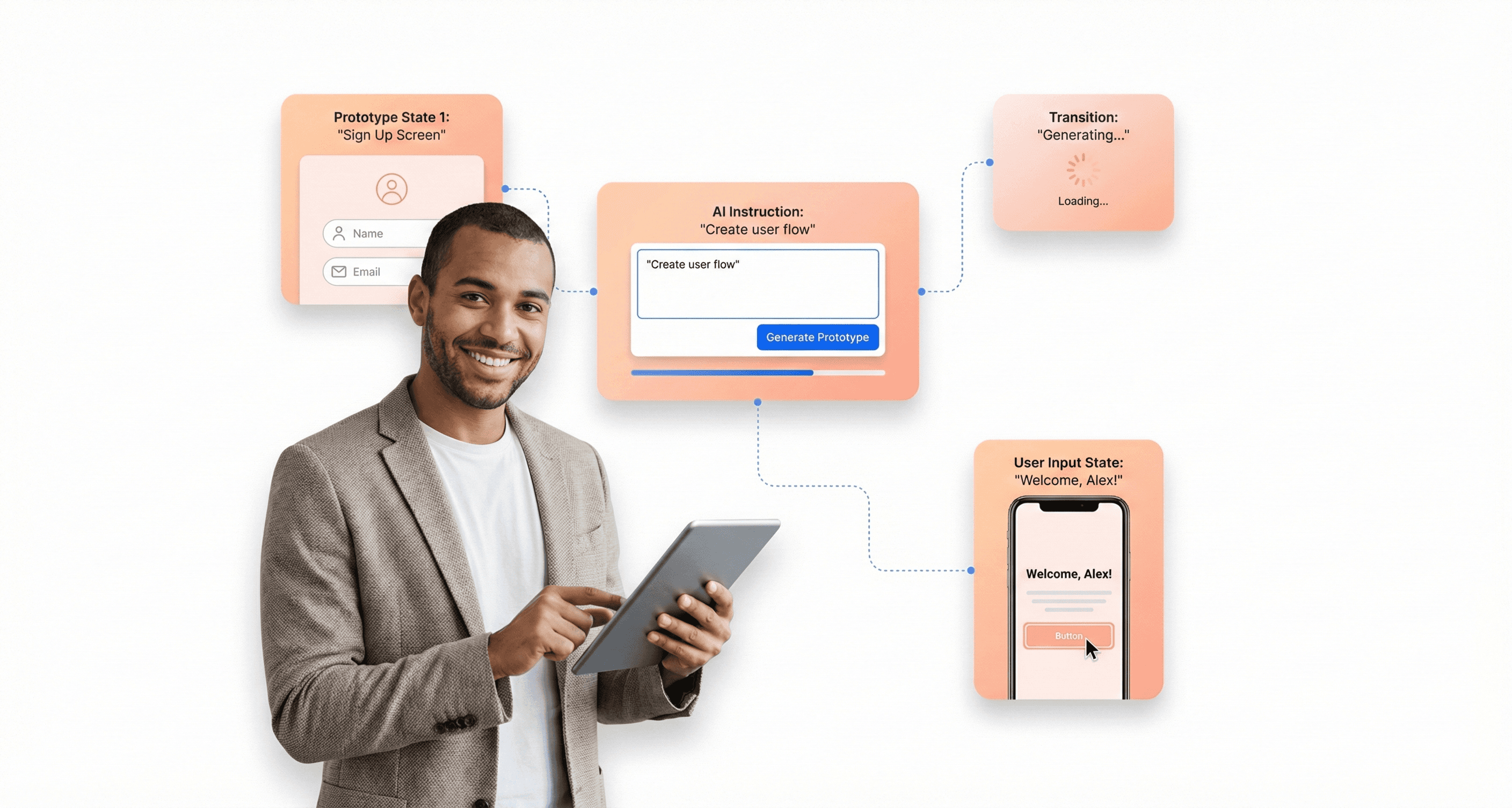
The emergence of "vibe coding" represents a revolutionary shift in prototyping methodology, replacing complex traditional prototyping tools with AI-powered no-code solutions. This approach enables designers to create fully functional prototypes with real working forms, interactive elements, and device-specific features like haptic feedback.
Tools like Lovable, Bolt, and Google AI Studio are leading this transformation with features specifically designed for designers, including Figma import capabilities and live editable canvases. These platforms allow designers to build life-like functional prototypes that go beyond static mockups to include actual user interactions and system responses.
The acceleration in design cycles comes from AI's ability to interpret design intent and automatically generate interactive components. Instead of manually coding complex interactions, designers can describe their vision and have AI generate working prototypes complete with state management, user input handling, and responsive behaviors.
This advancement is particularly significant for multimodal experiences that incorporate voice, vision, touch, haptics, context sensors, and screens. AI prototyping tools can now simulate these complex interaction patterns, allowing designers to test and refine experiences that flow seamlessly across multiple modes before development begins.
Production-Ready AI Tools Revolutionizing Design Workflows
Figma Weave's Node-Based AI Training for Custom Interface Generation
Figma continues to lead the design tool evolution with its AI-powered features integrated directly into the platform. The latest Check Designs feature, introduced in October 2025, functions as an AI-powered linter that recommends design tokens and variables from your existing design system. This integration eliminates the need for context switching between tools, allowing designers to maintain their established workflows while benefiting from AI assistance.
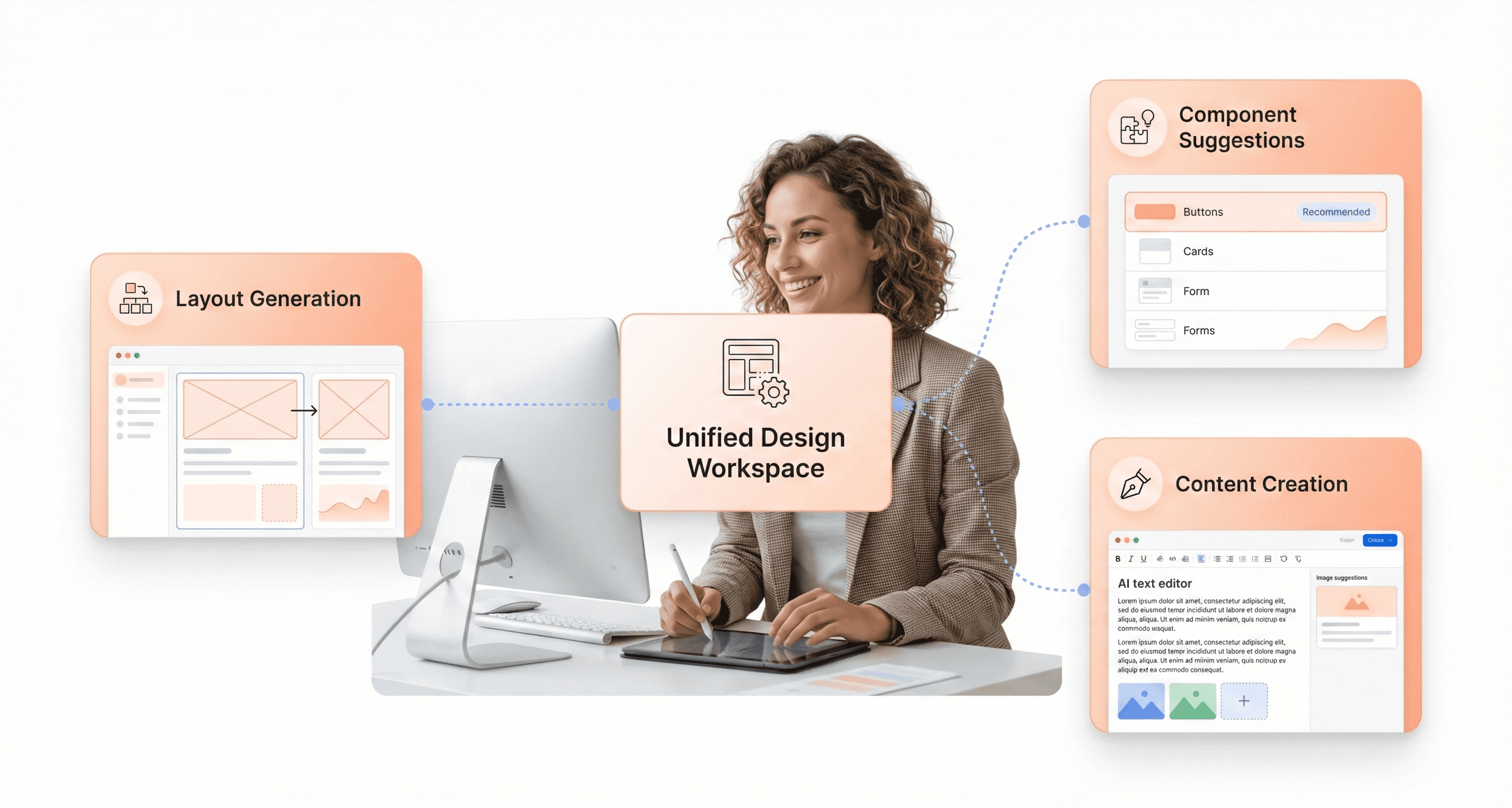
The platform's AI capabilities extend beyond basic recommendations to include smart layer organization, component suggestions, and improved auto-layout functionality. Since these features are built directly into the tool most design teams already use, adoption happens naturally without disrupting existing processes. The AI understands your design system components and generates suggestions that align with your team's established standards and patterns.
Moonchild.ai's Automated UI Layout Creation from Text Descriptions
Moonchild AI stands out as a prompt-based design platform specifically built for UX designers, offering both high and low-fidelity design generation from text prompts and images. What sets this tool apart is its exceptional contextual understanding - it doesn't just address prompts at surface level but comprehends the intent behind user input, from language and visual styling to user flow and screen connectivity.
The platform offers flexible design modes with Gold mode for precision when polished, refined designs are needed, and Silver mode for rapid ideation and iteration. Each generated screen includes detailed feature explanations that serve as valuable starting points during brainstorming phases. The tool produces truly unique designs each time, unlike platforms that rely on predefined layouts and simply swap components.
Key capabilities include built-in design system creation from prompts or uploaded images, ensuring visual consistency across all generated designs. Export options are comprehensive, supporting PNG images, Figma-ready SVG files, and HTML code. However, the platform currently lacks manual editing capabilities within its interface, requiring users to refine designs through text prompts or export to Figma for manual adjustments.
Affinity Studio by Canva Combining Vector, Pixel, and Layout Design
Canva's AI integration through Magic Design generates complete presentations, social media posts, and documents from simple text prompts. The platform is designed with accessibility in mind, enabling non-designers within teams to create on-brand assets without requiring direct designer involvement. This capability significantly reduces the design team's workload on routine marketing materials while maintaining brand consistency.
Adobe Firefly's integration within Creative Cloud provides another powerful option for combining different design elements. The tool is trained exclusively on licensed content, ensuring all generated outputs are safe for commercial use. Photoshop's Generative Fill feature allows designers to naturally add, remove, or extend images. The deep integration with existing Adobe tools makes adoption straightforward for teams already using Creative Cloud applications.
The combination of vector, pixel, and layout capabilities in these AI-powered platforms allows designers to work across different media types within unified workflows, reducing the need to switch between specialized applications.
MockU's Professional Video Mockup Generation
Modern AI tools are expanding beyond static design into video generation capabilities. Google's Veo 3.1 generates 8-second videos with synchronized audio from text descriptions, with native audio generation including matching sound effects and ambient audio alongside visuals. This makes it particularly useful for quick social media content, early product demo concepts, or visualizing ideas before full production.
Runway ML offers advanced video generation and editing capabilities, allowing designers to generate video clips from text prompts, apply stylistic effects, or automatically remove objects from scenes. These capabilities prove valuable for creating motion graphics, product demos, and creative experiments that enhance digital product presentations.
Descript provides a unique approach to video editing by allowing designers to edit video content by editing transcribed text. Once footage is transcribed, editing becomes as simple as modifying words, with the video updating automatically. This proves invaluable for product demos, user interviews, and internal training materials, dramatically reducing the time required for video content creation and iteration.
Emerging AI Technologies to Monitor for Future Investment
Conversational Interfaces and AI Agents for Enhanced User Interaction
Now that we have covered the current AI UI generation trends, let's explore the emerging conversational interface technologies that are breaking free from traditional paradigms. The evolution of conversational UX represents a significant shift from the initial chatbot implementations to more sophisticated AI agents that understand context, tone, and user intent with unprecedented accuracy.
Natural language processing (NLP) advancements are making these conversational interfaces more intuitive and human-like. Modern AI agents can now process enormous amounts of data to create personalized dialogue experiences for each user, analyzing conversation patterns and preferences to deliver tailored responses. This level of sophistication extends beyond simple question-and-answer interactions to complex multi-turn conversations that maintain context throughout extended user sessions.
The emerging pattern shows AI agents transitioning from reactive to proactive communication, anticipating user needs and initiating helpful interactions. These systems can now understand nuanced requests, handle complex queries, and provide contextually relevant information while maintaining a natural conversational flow that feels genuinely engaging rather than scripted.
Predictive UX Systems for Anticipatory User Interface Design
Previously, traditional usability testing relied heavily on manual efforts and reactive design approaches. With AI-driven predictive systems, this paradigm is fundamentally changing. These technologies can now predict user needs even before users articulate them, creating interfaces that adapt and respond to anticipated behaviors.
Predictive UX systems leverage machine learning algorithms to analyze user behavior patterns, identifying potential pain points before they impact the user experience. These systems simulate user interactions and automatically adjust interface elements to optimize engagement and task completion rates. By processing vast datasets of user interactions, these systems can forecast which design elements will perform best for specific user segments.
The technology goes beyond simple personalization to create truly anticipatory experiences. For instance, these systems can predict when a user might need specific functionality and surface relevant options proactively. This approach transforms traditional reactive interfaces into intelligent systems that evolve with user needs, ensuring platforms meet expectations from initial interaction through complex task completion.
AI-Driven Design Systems for Consistent Branding at Scale
With this in mind, next we'll examine how AI is revolutionizing design system management and brand consistency across digital touchpoints. AI-driven design systems represent a significant advancement in maintaining visual coherence while scaling design operations efficiently.
These systems can automatically generate design components that adhere to established brand guidelines, ensuring consistent visual identity across multiple platforms and applications. The technology analyzes existing brand assets and design patterns to create new elements that maintain stylistic coherence while adapting to different contexts and requirements.
Automated design tools within these systems can process brand specifications and generate variations of visual elements that maintain consistency while offering flexibility for different use cases. This capability enables design teams to scale their output significantly while maintaining quality standards and brand integrity across diverse digital products and platforms.
Dynamic Visual Design Adaptation for Personalized Experiences
The advancement of AI technologies now enables dynamic visual adaptation that goes far beyond traditional personalization methods. These systems can automatically adjust visual elements, layouts, and content presentation based on individual user preferences and behavior patterns, creating truly personalized digital experiences.
Dynamic adaptation systems analyze user interaction data to determine optimal visual configurations for each individual. This includes adjusting color schemes, layout density, content hierarchy, and interactive elements to match user preferences and usage patterns. The technology can modify interfaces in real-time, ensuring that each user encounters a version of the product optimized for their specific needs and preferences.
These systems also incorporate contextual factors such as device capabilities, environmental conditions, and user accessibility requirements to create adaptive experiences that respond to changing circumstances. By 2025, these dynamic visual systems will become more sophisticated, delivering hyper-personalized interfaces that feel custom-designed for each individual user while maintaining overall product coherence and usability standards.
Strategic Implementation Framework for B2B SaaS Companies
Prioritizing High-ROI Production-Ready Solutions Over Experimental Technologies
When implementing AI UI generation within B2B SaaS companies, the foundation of success lies in defining precise, measurable goals that align with business objectives. Organizations must carefully assess what inefficiencies need solving and how AI can enhance customer experiences while improving decision-making processes. Rather than getting caught up in the AI hype cycle with every new product release, companies should focus intently on outcomes that serve high-level business priorities.
The key is choosing AI technology that directly supports intended tasks, ensuring greater efficiency and performance. This means evaluating solutions based on accuracy, speed, cost reduction, and customer satisfaction metrics. Companies should examine case studies from other firms to understand what's possible while translating identified problems into concrete objectives with clear success metrics to avoid scope creep.
Starting with Returning Visitor Personalization and Traffic-Source Messaging
Building an AI-proficient team is essential for handling the complexities of AI development and deployment in UI generation. The team should include specialized roles such as data scientists who focus on understanding data patterns and developing algorithms, machine learning engineers who bridge the gap between data science and engineering teams, and domain experts who understand specific business needs.
Project managers with AI experience can coordinate workflows and track progress, while ethical AI specialists ensure solutions adhere to data privacy laws and guidelines. Upskilling existing employees, particularly those in related fields like data analysis or IT, creates a cost-effective approach to building internal capacity for ongoing AI innovation.
Integrating Automated WCAG Compliance and AI-Generated Alt Text
Risk management and ethical frameworks are critical components of AI implementation, particularly when processing sensitive data. Organizations must conduct thorough risk assessments throughout the development process, identifying areas where models might inadvertently discriminate or expose data to breaches. Implementing robust data protection practices, such as data anonymization, encryption, and access control—helps protect user information.
Building ethical frameworks ensures AI use aligns with regulatory standards and organizational values. Principles such as fairness, accountability, transparency, and respect for user autonomy should guide implementation. A cross-functional AI ethics committee can oversee projects, assessing potential impacts and compliance with data protection laws like GDPR or CCPA.
Leveraging Behavior Analytics and Pattern Detection for Continuous Optimization
Testing and evaluating models ensure accuracy and reliability in real-world scenarios. Models should undergo rigorous testing using separate validation datasets to evaluate performance and check for biases or systematic errors. Metrics such as accuracy, precision, recall, and F1 score help assess effectiveness depending on the model's purpose.
Continuous monitoring and feedback loops allow teams to track performance, detect data drift, and retrain models as needed. Implementing automated alerts and performance dashboards makes it easier to identify issues early and respond quickly. Regular model retraining ensures AI systems stay aligned with current conditions, maintaining accuracy and value as they adapt to new patterns. This combination of thorough testing and consistent evaluation creates resilient, responsive AI implementations that maximize long-term impact.
Design Process Transformation Through AI Integration
Streamlined Wireframing and Multi-Variation Prototype Generation
AI-powered design workflows are fundamentally transforming how teams approach wireframing and prototype development. Modern platforms like Uizard demonstrate this transformation by enabling designers to convert plain-text prompts and hand-drawn sketches directly into functional wireframes and mockups. This capability eliminates the traditional bottleneck of manual wireframe creation, allowing product managers and non-designers to contribute meaningfully to interface design processes.
The multi-variation approach has become particularly valuable for enterprise teams managing complex design systems. AI tools can generate dozens of layout variations from a single prompt, enabling rapid exploration of design concepts that would previously require hours of manual work. These systems process user inputs through machine learning models, interpret design intent, and generate visual options that maintain consistency with established brand guidelines.
Real-Time Design Iteration Using Interactive AI Learning Systems
Now that we've covered the foundational wireframing capabilities, the next evolution involves real-time iteration powered by interactive AI learning systems. These platforms create continuous feedback loops where AI analyzes user interactions, scroll maps, and conversion data to suggest immediate design improvements. The system learns from each iteration, becoming increasingly sophisticated in its recommendations.
Figma's upcoming AI features exemplify this trend by automating layout generation while applying design system rules during prototyping. Teams can maintain visual consistency across large enterprise design systems while reducing redundant styling work. The AI serves as an intermediary between design intent and execution, translating creative vision into scalable workflows without compromising quality.
Automated Social Media Post Design and Background Generation
With real-time iteration capabilities established, AI design workflows extend into automated content generation for social media and marketing assets. Platforms like Canva's Magic Studio integrate generative AI directly into design tools, enabling marketing teams to generate layouts, visuals, and branded assets at scale. This automation streamlines creative production by eliminating repetitive design tasks while maintaining brand consistency across different audiences and platforms.
The background generation capabilities leverage multiple AI models working together, from image generation to layout optimization. Teams can rapidly adapt templates for different campaigns, reducing the dependency on traditional design tools while accelerating iteration cycles. This approach enables data-driven, scalable design decisions based on what performs best across different marketing channels.
Code-Ready Output Generation for Immediate Developer Implementation
Previously, we've seen how AI transforms the creative aspects of design workflows. The final transformation occurs in the handoff between design and development teams. AI design workflows now generate code-ready outputs that developers can implement immediately, eliminating the traditional translation phase between design mockups and functional interfaces.
This capability includes automated code scaffolding for front-end experiences, ensuring that design specifications are accurately translated into development-ready formats. The AI processes design files and generates clean, maintainable code that follows established development standards. Cross-functional collaboration improves significantly as AI tools serve as intermediaries between design, development, and marketing teams, translating creative intent into executable formats while maintaining regulatory compliance in industries like financial services and insurance.
Conclusion
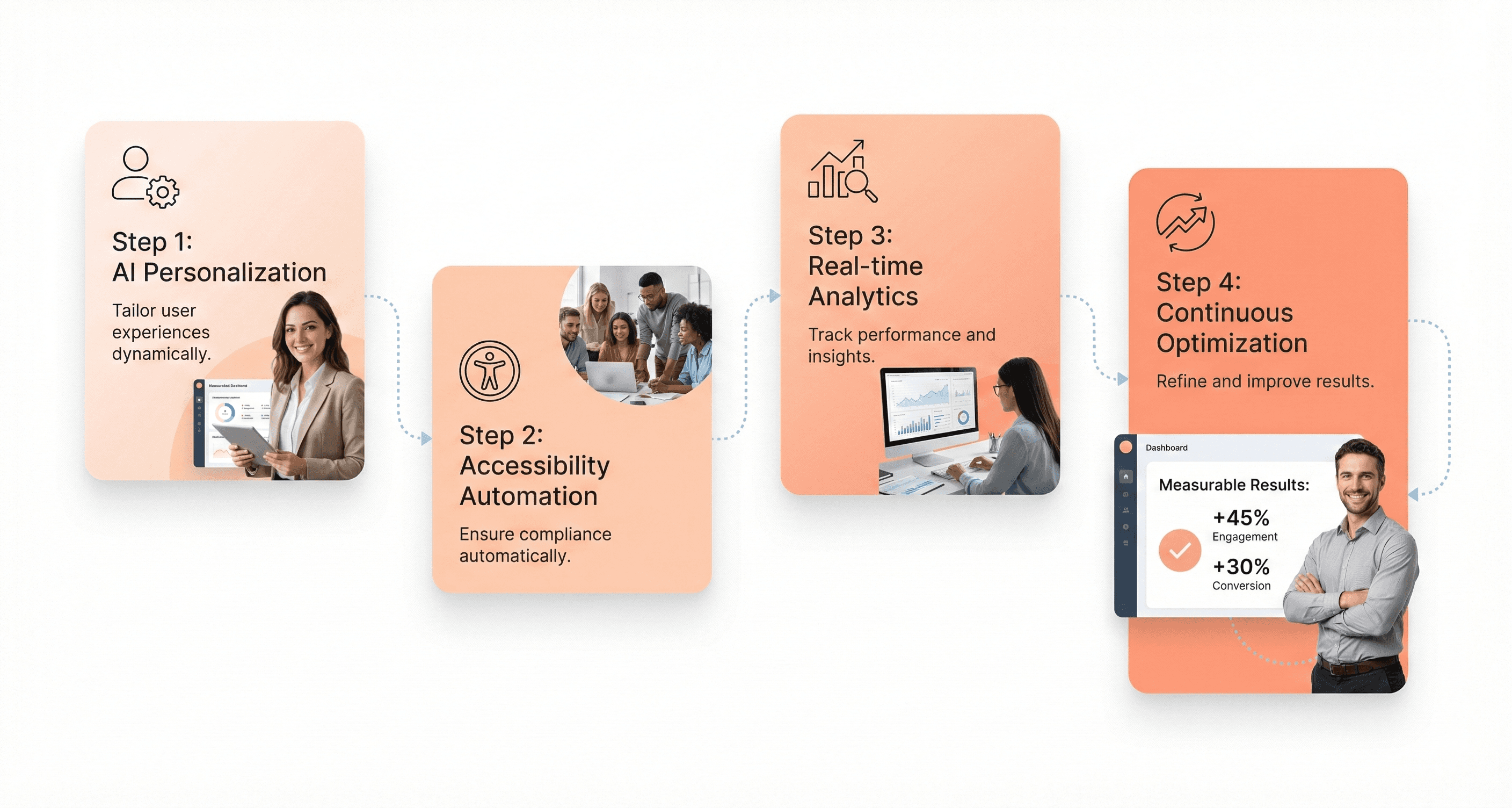
The AI UI generation landscape in 2026 presents unprecedented opportunities for digital product design services, but success hinges on strategic prioritization. The data clearly shows that AI-driven personalization, accessibility automation, and AI design assistants deliver the highest ROI with production-ready maturity levels. B2B SaaS companies should focus their investments on these critical trends while monitoring emerging technologies like predictive UX and AI-driven design systems for future adoption.
The transformation is already underway with tools like Figma Weave, Moonchild.ai, and integrated AI workflows reducing design cycles by 50-70% while delivering measurable conversion lifts of 10-25%. Companies that implement these AI capabilities now starting with personalization for returning visitors and automated accessibility compliance, will establish a competitive advantage in an increasingly AI-driven marketplace. The key is avoiding the hype around early-stage technologies and concentrating resources on proven solutions that deliver immediate business impact.




About the author
I’m the founder of Hashbyt, an AI-first frontend and UI/UX SaaS partner helping 200+ SaaS companies scale faster through intelligent, growth-driven design. My work focuses on building modern frontend systems, design frameworks, and product modernization strategies that boost revenue, improve user adoption, and help SaaS founders turn their UI into a true growth engine.
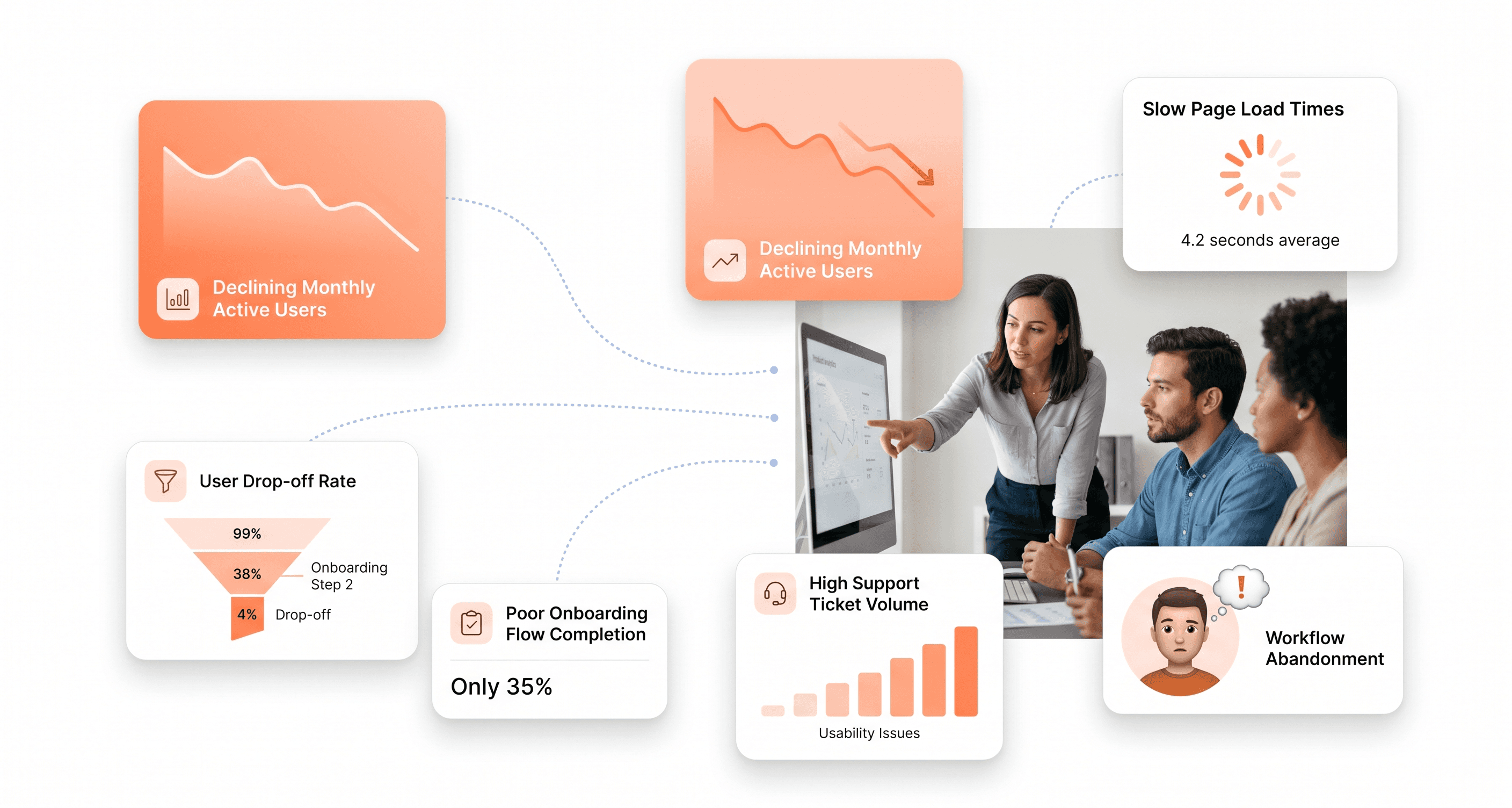
Is a clunky UI holding back your growth?
Is a clunky UI holding back your growth?
▶︎
Transform slow, frustrating dashboards into intuitive interfaces that ensure effortless user adoption.
▶︎
Transform slow, frustrating dashboards into intuitive interfaces that ensure effortless user adoption.
